color palette
#1d1d1d
#DCDFE4
#8AB8FF
#1d1d1d
#F28A8A
#92C88B
#FFB58A
#8AB8FF
#FF9BE2
#C89BFF
#A3A3B3
#212126
#F79999
#A0D0A0
#FFC4A2
#ADC8FF
#FFB0F0
#D0AAFF
#E9ECF2
preview
readme
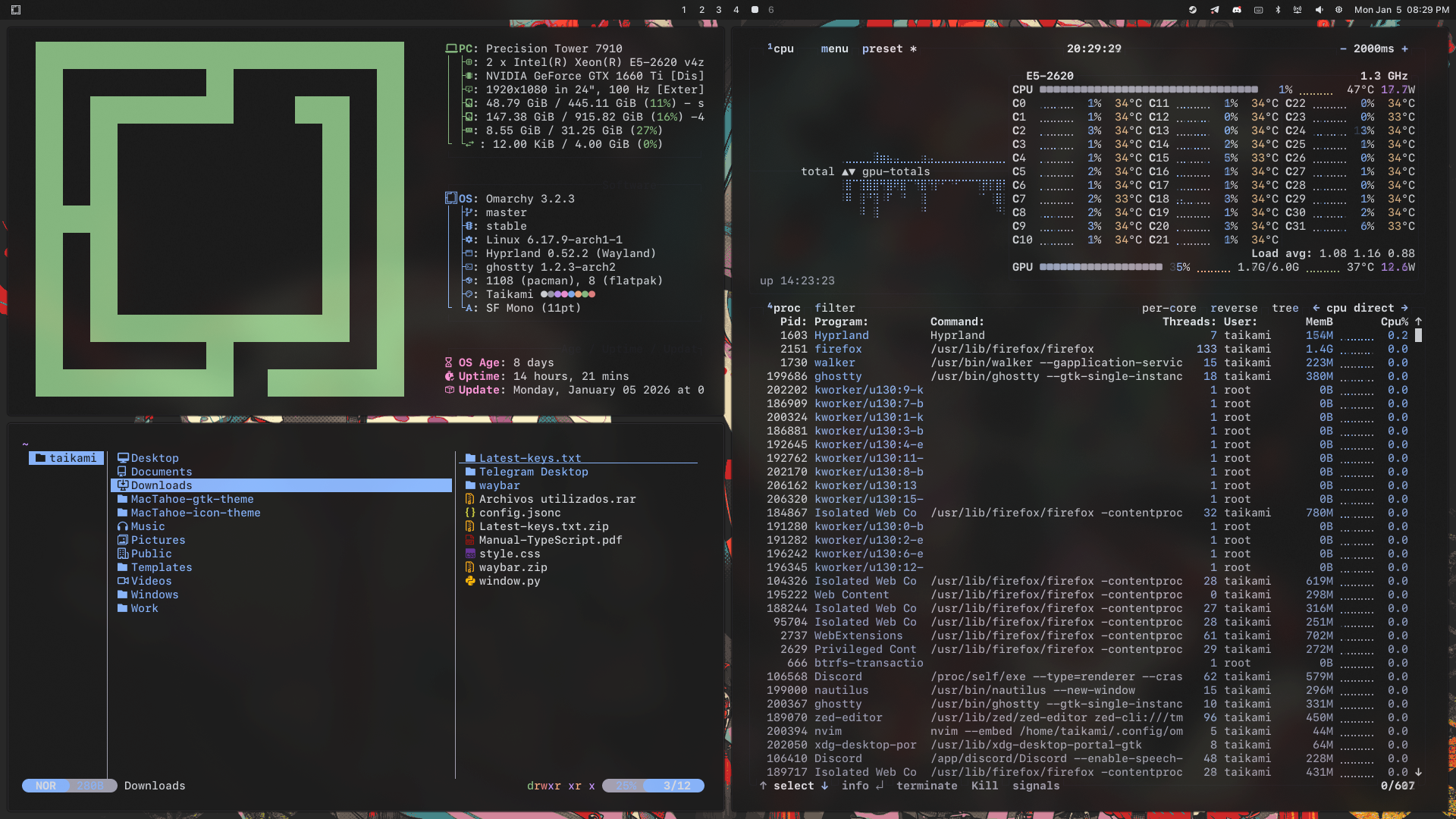
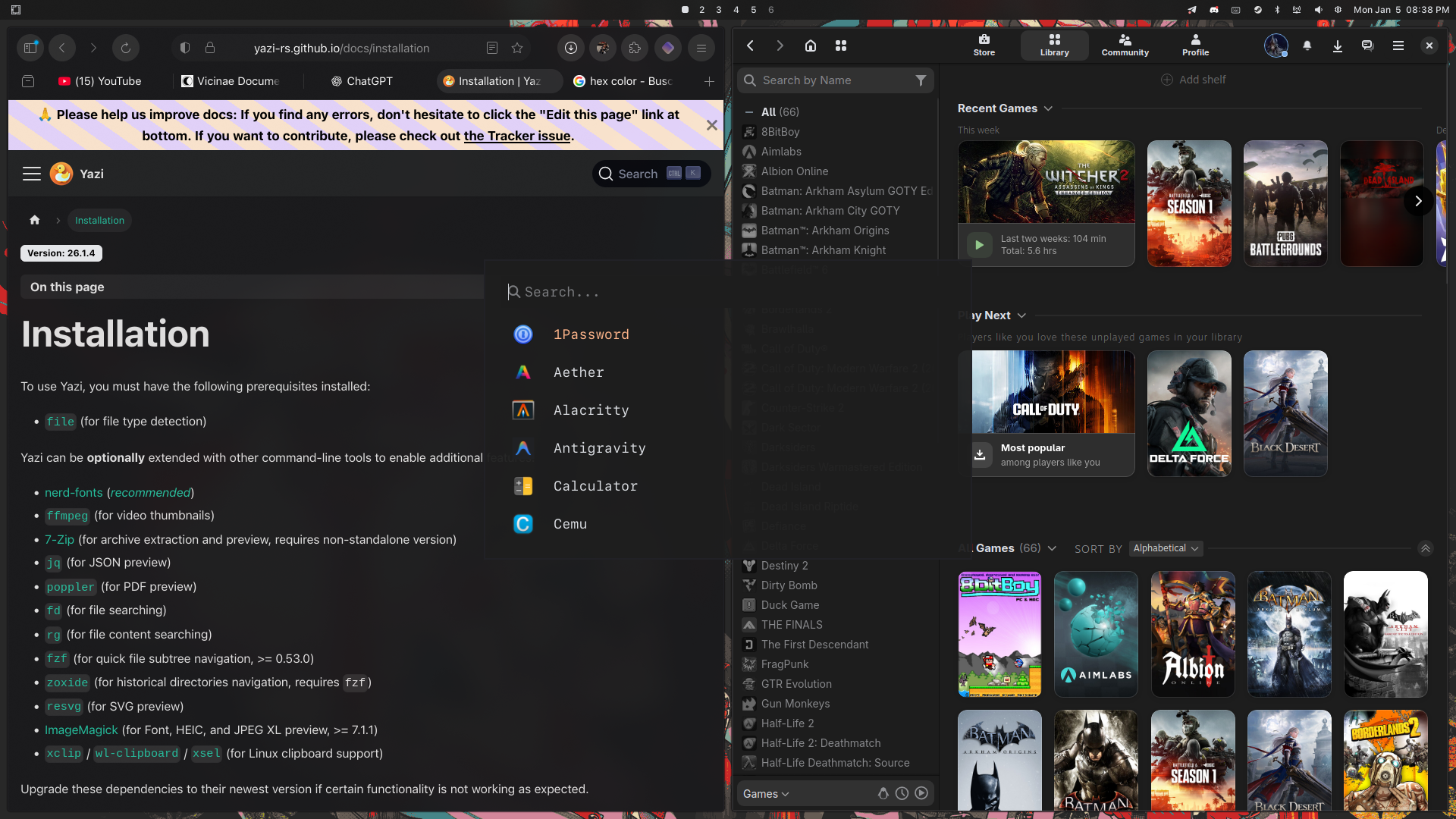
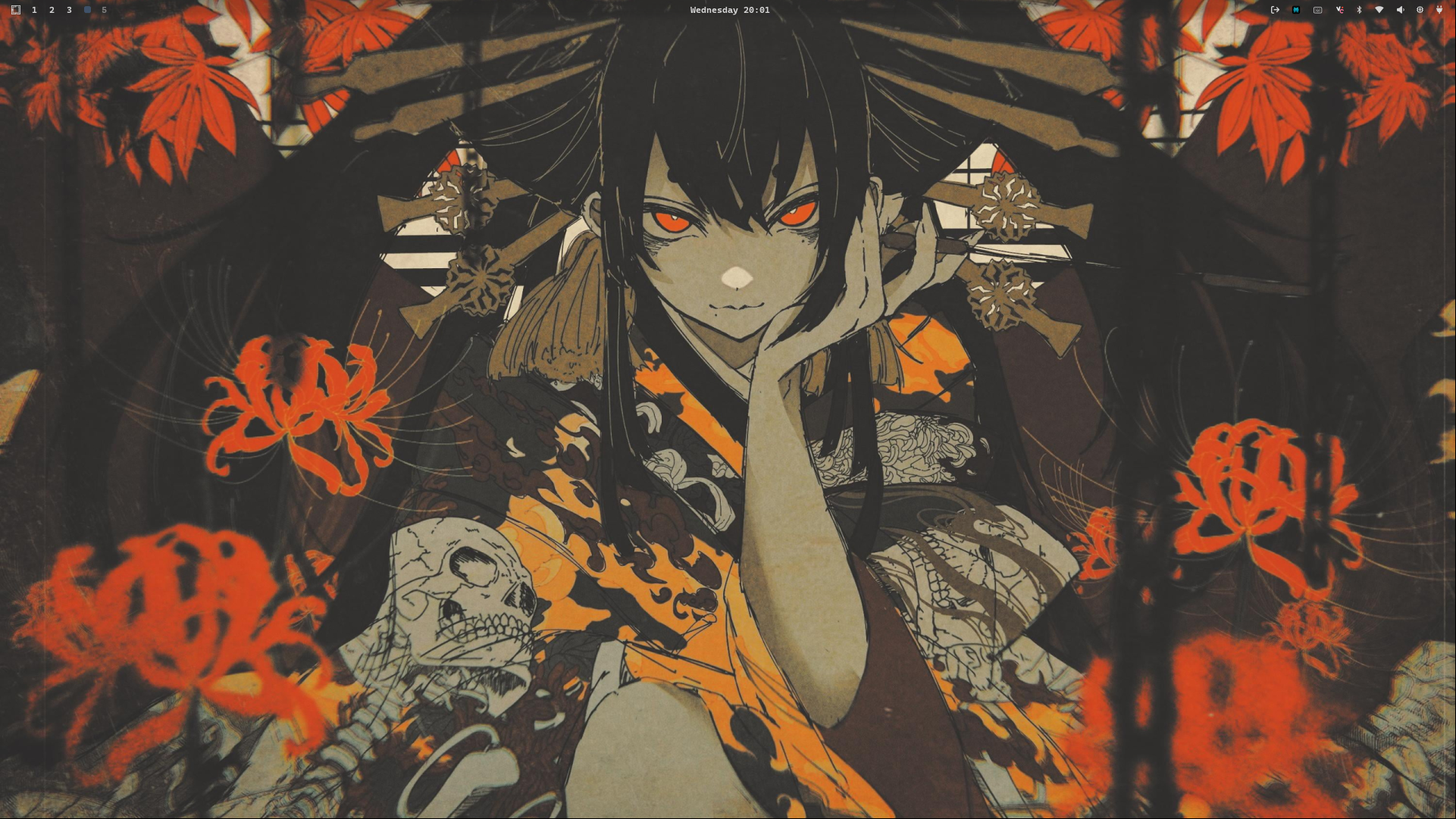
This is Taikami, a modern theme with soft pastels and elegant aesthetics designed for Hyprland.
Components
This theme provides a consistent look and feel across the following components:
- Window Manager: Hyprland
- Status Bar: Waybar
- Application Launcher: Wofi & Walker
- Terminal: Alacritty
- Notification Daemon: Mako
- Screen Locker: Hyprlock
- On-Screen Display: SwayOSD
- System Monitor: Btop
- Text Editor: Neovim & Zed
Installation
You can install this theme by copying the GitHub URL and selecting Install > Style > Theme via the Omarchy menu (Super + Alt + Space).
To remove it, use Remove > Style > Theme from the same menu and select it from the list.
Waybar Configuration
Important: The files inside the waybar/ folder must replace those in ~/.config/waybar/. This theme includes custom waybar configuration files that are essential for the complete aesthetic experience.
Color Palette
The theme uses a sophisticated palette with soft pastels and neutral tones:
Base Colors
| Name | Hex | Usage |
|---|---|---|
| Background | #1d1d1d | Main background |
| Foreground | #DCDFE4 | Main text |
| Black | #1d1d1d | Terminal black |
| White | #A3A3B3 | Terminal white |
Accent Colors
| Name | Hex | Usage |
|---|---|---|
| Red | #F28A8A | Error states, red accent |
| Green | #92C88B | Success states, green accent |
| Yellow | #FFB58A | Warning states, yellow accent |
| Blue | #8AB8FF | Info states, blue accent |
| Magenta | #FF9BE2 | Magenta accent |
| Cyan | #C89BFF | Cyan accent |
Bright Colors
| Name | Hex | Usage |
|---|---|---|
| Bright Black | #212126 | Borders, UI elements |
| Bright Red | #F79999 | Highlighted red |
| Bright Green | #A0D0A0 | Highlighted green |
| Bright Yellow | #FFC4A2 | Highlighted yellow |
| Bright Blue | #ADC8FF | Highlighted blue |
| Bright Magenta | #FFB0F0 | Highlighted magenta |
| Bright Cyan | #D0AAFF | Highlighted cyan |
| Bright White | #E9ECF2 | Emphasized text |
UI Specific Colors
| Name | Hex | Usage |
|---|---|---|
| Border | #3B3B3B | Window borders, UI separators |
| Selection | #8c9379 | Selected items, muted elements |
| Accent UI | #fdfbf9 | Titles, highlighted UI text |
Customization
All theme configuration files are located in ~/.config/omarchy/themes/taikami/. You can modify any file in this directory to customize the theme.
Here are some tips for customizing the theme's appearance. All settings mentioned below are in the hyprland.conf file within that path.
Rounded Corners
To change the corner radius of windows, modify the rounding value under the decoration section. The current value is 3 for slightly rounded corners. A value of 0 means sharp, 90-degree corners.
decoration {
    rounding = 3
    ...
}
Borders
The theme uses subtle borders with custom colors:
- Active Border:
#2E2D31- Border color for the focused window - Inactive Border:
#212126- Border color for unfocused windows - Border Size:
1pixel
general {
    col.active_border = rgba(2E2D31ff)
    col.inactive_border = rgba(212126ff)
    border_size = 1
}
Blur & Transparency
The theme features enhanced blur effects for a modern, polished look:
decoration {
    blur {
        enabled = true
        size = 8
        passes = 2
        contrast = 1.5
        brightness = 0.8
        vibrancy = 0.2
        vibrancy_darkness = 0.2
        noise = 0.07
        ignore_opacity = true
        new_optimizations = true
    }
}
To disable blur entirely, set enabled = false.
Shadows
The theme includes elegant drop shadows:
decoration {
    shadow {
        enabled = true
        range = 3
        render_power = 3
        color = rgb(0B0909)
        offset = 0 0
    }
}
Terminal Opacity
Alacritty terminal has a default opacity of 0.9 for a semi-transparent effect. You can adjust this in alacritty.toml:
[window]
opacity = 0.9
Cursor Theme
The theme uses the MacTahoe-dark cursor theme. Make sure you have it installed for the complete experience.