color palette
background
#0d1117
foreground
#f0f6fc
accent
#58a6ff
cursor
#f0f6fc
color0
#0d1117
color1
#ff7b72
color2
#3fb950
color3
#d29922
color4
#58a6ff
color5
#bc8cff
color6
#39c5cf
color7
#b1bac4
color8
#484f58
color9
#ffa198
color10
#56d364
color11
#e3b341
color12
#79c0ff
color13
#d2a8ff
color14
#56d4dd
color15
#f0f6fc
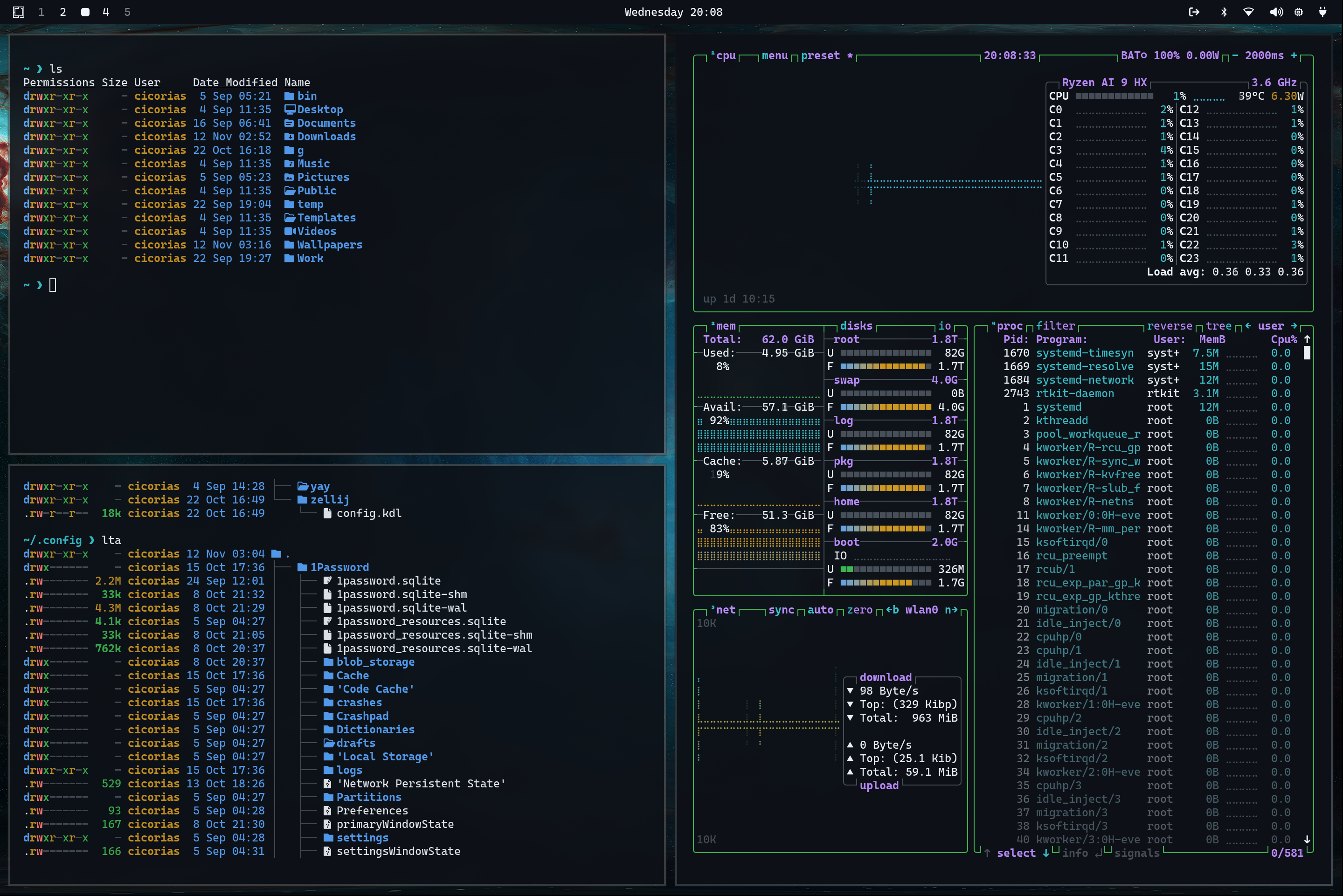
preview
~/stellar
┌──────────────────────Hardware──────────────────────┐
PC: omarchy-host
│ ├: x86_64 (8 cores) @ 4.00 GHz
│ ├: Integrated Graphics
│ ├: 1920x1080 @ 60 Hz
│ ├: 120 / 500 GiB (24%)
│ ├: 8 / 16 GiB (50%)
└ └ : 0 / 4 GiB (0%)
└────────────────────────────────────────────────────┘
┌──────────────────────Software──────────────────────┐
OS: Omarchy 3.6.0
│ ├: master
│ ├: stable
│ ├: linux-arch
│ ├: Hyprland (Wayland)
│ ├: ghostty
│ ├: 1024 (pacman)
│ ├: Stellar ●●●●●●●●
└ └: JetBrainsMono Nerd Font (9pt)
└────────────────────────────────────────────────────┘
┌─────────────────Age / Uptime / Update───────────────┐
OS Age: 0 days
Uptime: 2 hours, 13 mins
Update: Today
└────────────────────────────────────────────────────┘
user@omarchy:~ $
readme
Stellar Theme for Omarchy
Checkout https://omarchy.org/ and Omarchy Themes
Install the theme by copying the GitHub URL and selecting Install > Style > Theme via the Omarchy menu (Super + Alt + Space).
If you want to remove it again, just use Remove > Style > Theme and select it there.
This will show up as Stellar..
Preview
Background