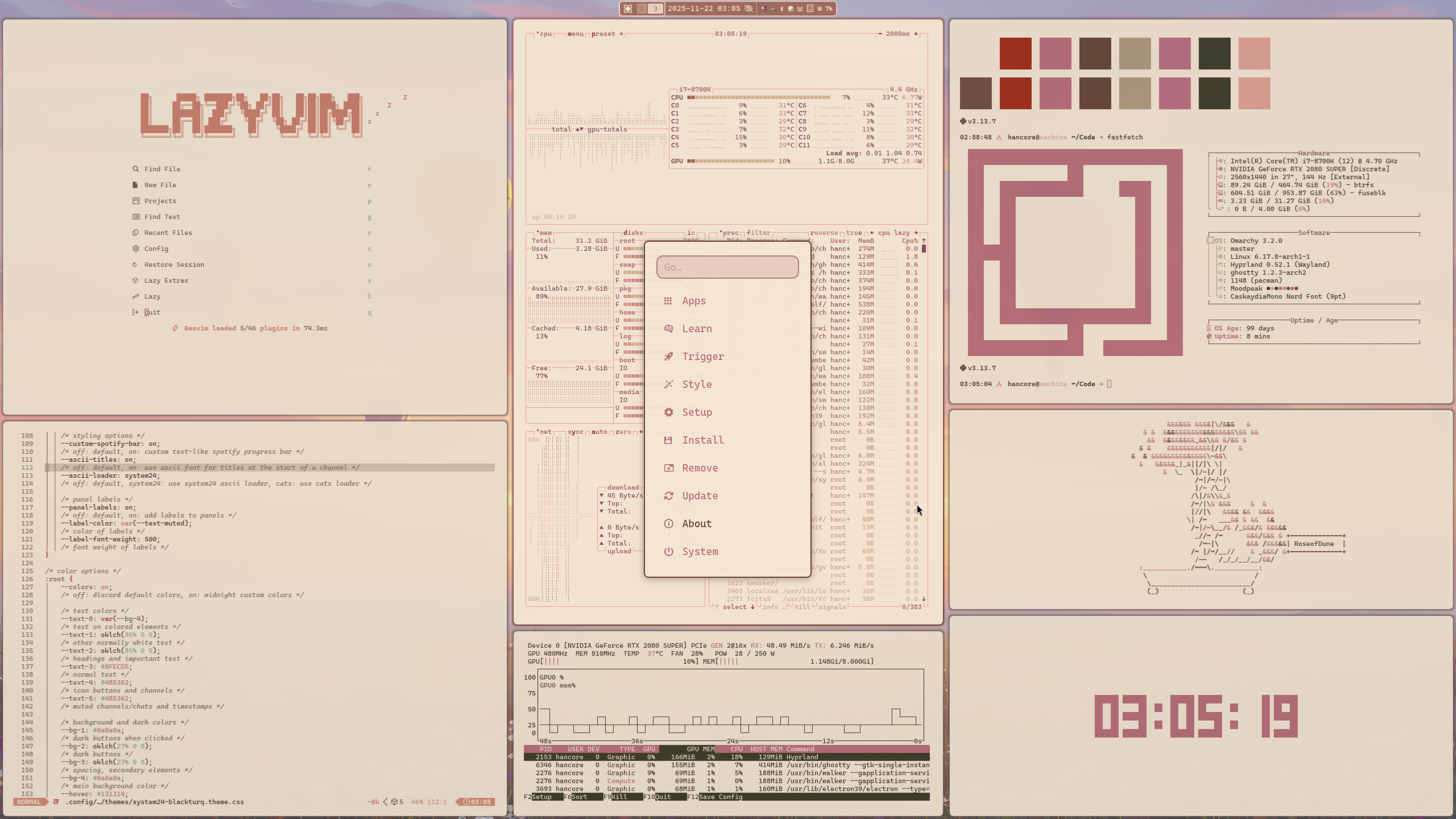
color palette
background
#F5E6D3
foreground
#35302a
accent
#76634c
cursor
#DEA193
selection background
#c68d95
selection foreground
#35302a
color0
#F5E6D3
color1
#a02b16
color2
#9e4f5b
color3
#644535
color4
#76634c
color5
#78292e
color6
#713a56
color7
#a94a34
color8
#C8AC86
color9
#a02b16
color10
#9e4f5b
color11
#694C45
color12
#76634c
color13
#78292e
color14
#713a56
color15
#a94a34
preview
~/roseofdune
┌──────────────────────Hardware──────────────────────┐
PC: omarchy-host
│ ├: x86_64 (8 cores) @ 4.00 GHz
│ ├: Integrated Graphics
│ ├: 1920x1080 @ 60 Hz
│ ├: 120 / 500 GiB (24%)
│ ├: 8 / 16 GiB (50%)
└ └ : 0 / 4 GiB (0%)
└────────────────────────────────────────────────────┘
┌──────────────────────Software──────────────────────┐
OS: Omarchy 3.6.0
│ ├: master
│ ├: stable
│ ├: linux-arch
│ ├: Hyprland (Wayland)
│ ├: ghostty
│ ├: 1024 (pacman)
│ ├: Rose of Dune ●●●●●●●●
└ └: JetBrainsMono Nerd Font (9pt)
└────────────────────────────────────────────────────┘
┌─────────────────Age / Uptime / Update───────────────┐
OS Age: 0 days
Uptime: 2 hours, 13 mins
Update: Today
└────────────────────────────────────────────────────┘
user@omarchy:~ $
readme
Rose of Dune
Inspired by the gentle glow of desert dunes at dusk, where rose-gold light meets earthy brown shadows. White and rose-toned surfaces evoke calm and elegance, while the brown whisper adds depth and grounded warmth. Designed for those who want a subtle, refined workspace — graceful, inviting and quietly radiant. Every color is tuned for WCAG-AA legibility, for a calm, elegant workspace in any light.
Installation Theme
To install this theme, simply use the omarchy-theme-install command:
omarchy-theme-install https://github.com/HANCORE-linux/omarchy-roseofdune-theme.git