color palette
background
#000000
foreground
#EFEFEF
accent
#407e70
preview
~/midnight
┌──────────────────────Hardware──────────────────────┐
PC: omarchy-host
│ ├: x86_64 (8 cores) @ 4.00 GHz
│ ├: Integrated Graphics
│ ├: 1920x1080 @ 60 Hz
│ ├: 120 / 500 GiB (24%)
│ ├: 8 / 16 GiB (50%)
└ └ : 0 / 4 GiB (0%)
└────────────────────────────────────────────────────┘
┌──────────────────────Software──────────────────────┐
OS: Omarchy 3.6.0
│ ├: master
│ ├: stable
│ ├: linux-arch
│ ├: Hyprland (Wayland)
│ ├: ghostty
│ ├: 1024 (pacman)
│ ├: Midnight ●●●●●●●●
└ └: JetBrainsMono Nerd Font (9pt)
└────────────────────────────────────────────────────┘
┌─────────────────Age / Uptime / Update───────────────┐
OS Age: 0 days
Uptime: 2 hours, 13 mins
Update: Today
└────────────────────────────────────────────────────┘
user@omarchy:~ $
readme
Omarchy Midnight Theme
A blacked-out theme for DHH's Omarchy, an opinionated Arch Linux setup, that gives you the inky blacks that your OLED monitor craves.
Preview

Wallpapers
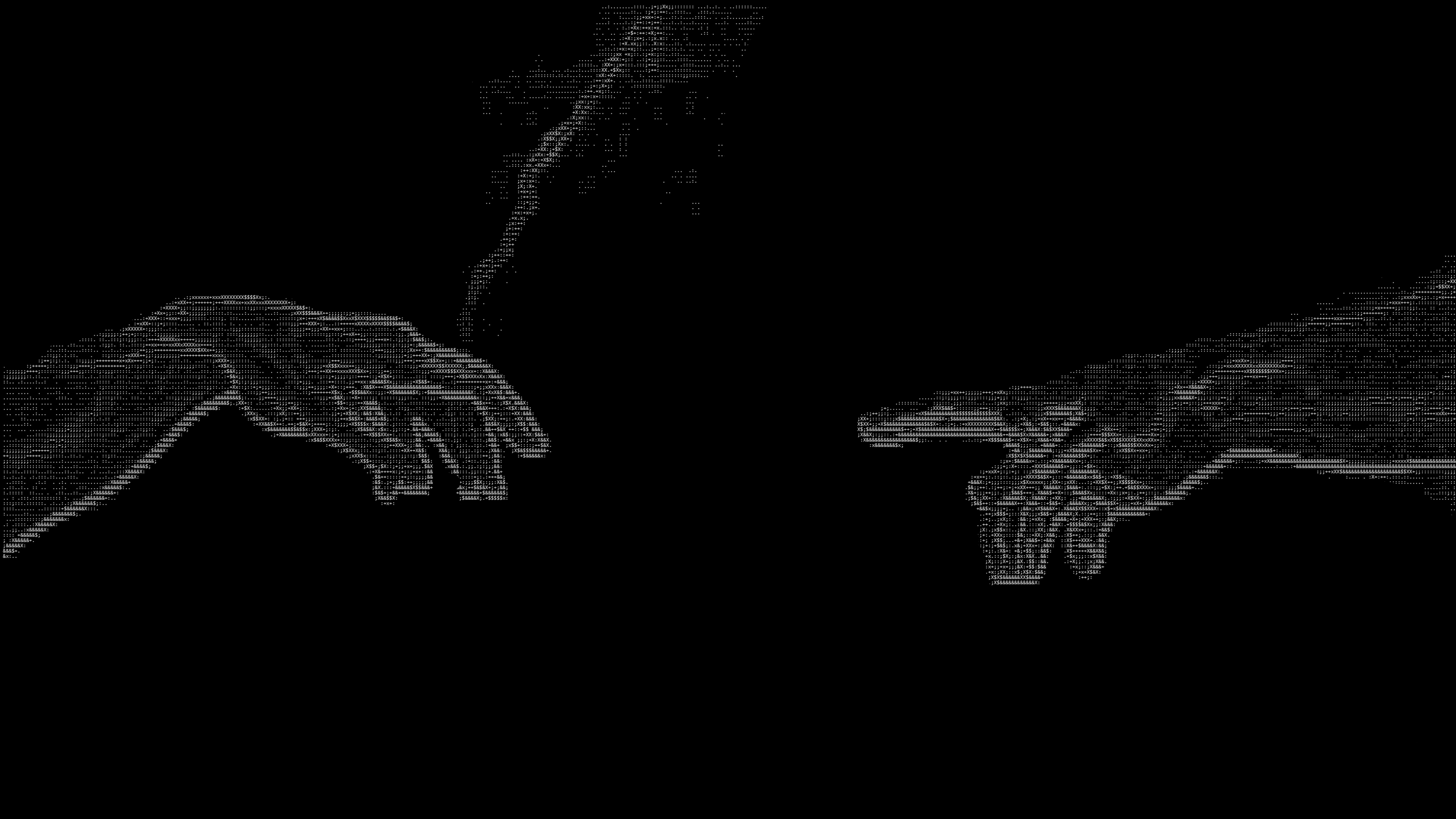
All wallpapers are pure black (#000000) as a base and have white/grayscale ASCII art on top of that. The default wallpaper is pure black.
The shortcut for switching wallpapers is Ctrl+Super+Space
| OLED Black | Hand of Adam | Omarchy Window |
 |
 |
 |
Installation
The following command needs to be run to install
omarchy-theme-install https://github.com/JaxonWright/omarchy-midnight-theme.gitUsage
Once installed, press Ctrl+Shift+Super+Space, select "Midnight" and everything should refresh automatically