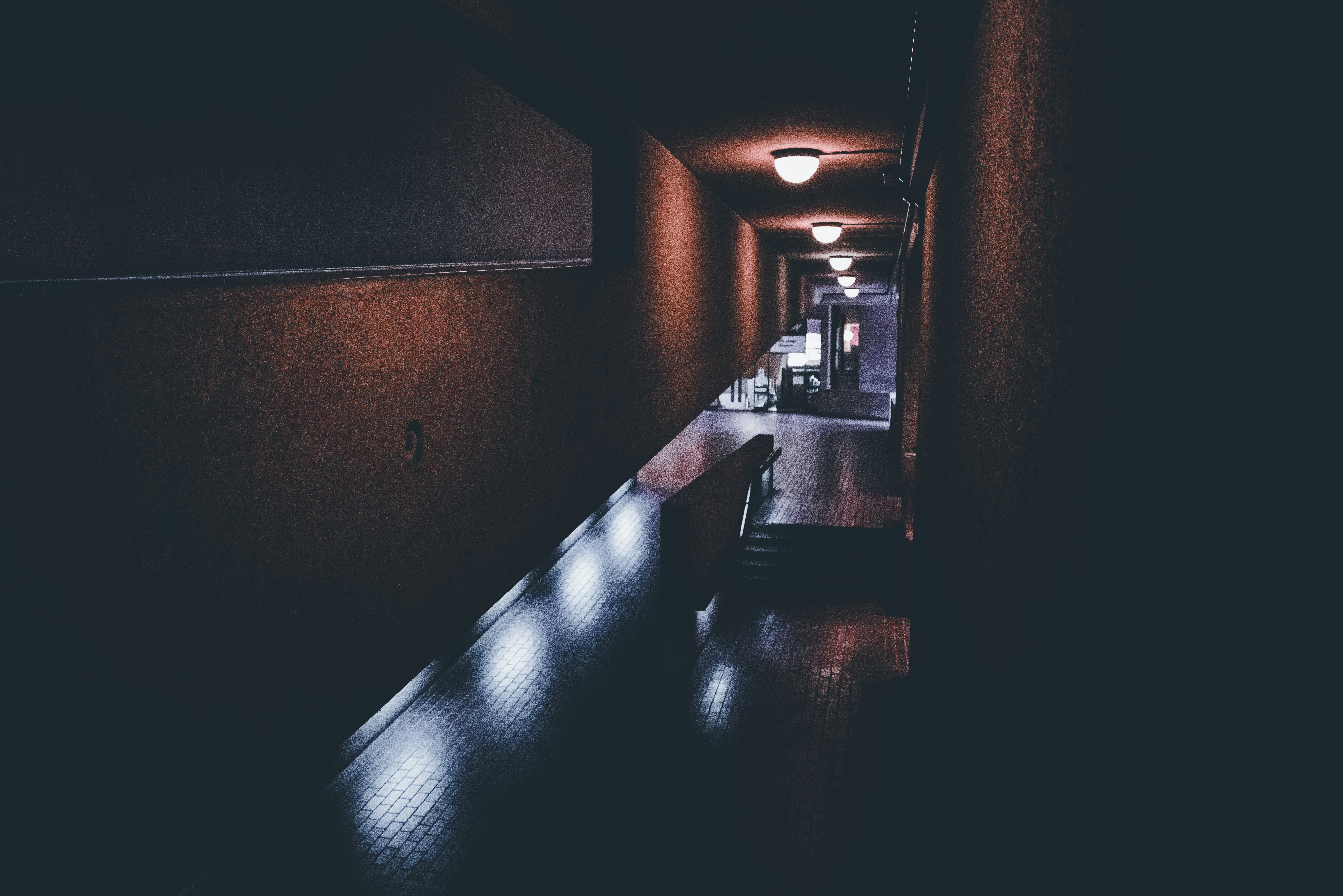
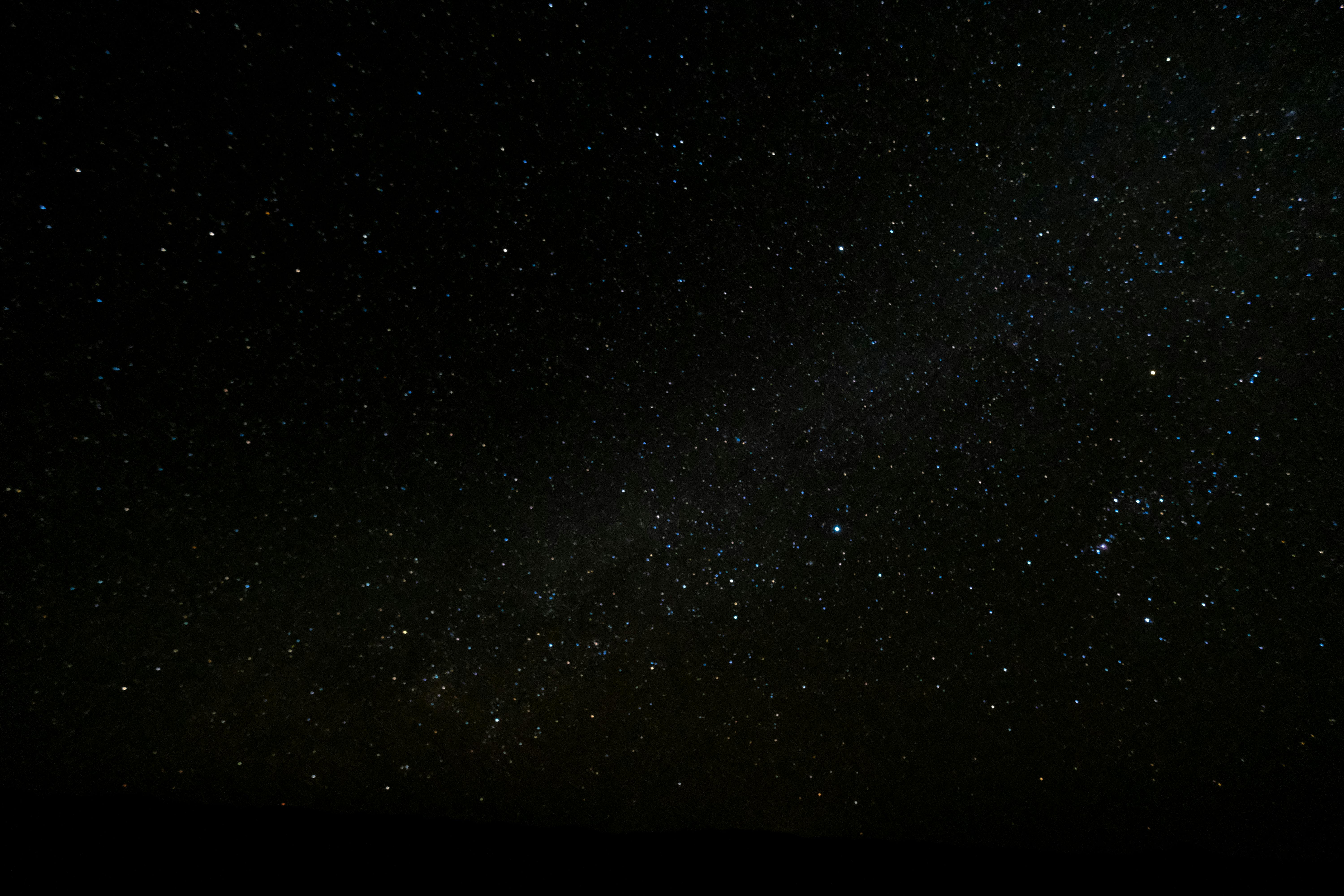
color palette
background
#181c1f
foreground
#e1e4e8
accent
#ffdf5d
cursor
#e1e4e8
selection background
CellForeground
selection foreground
CellBackground
color0
#181c1f
color1
#ea4a5a
color2
#79b8ff
color3
#ffdf5d
color4
#ffdf5d
color5
#f9826c
color6
#79b8ff
color7
#e1e4e8
color8
#6a737d
color9
#ea4a5a
color10
#79b8ff
color11
#ffdf5d
color12
#79b8ff
color13
#f9826c
color14
#79b8ff
color15
#e1e4e8
preview
~/lunar
┌──────────────────────Hardware──────────────────────┐
PC: omarchy-host
│ ├: x86_64 (8 cores) @ 4.00 GHz
│ ├: Integrated Graphics
│ ├: 1920x1080 @ 60 Hz
│ ├: 120 / 500 GiB (24%)
│ ├: 8 / 16 GiB (50%)
└ └ : 0 / 4 GiB (0%)
└────────────────────────────────────────────────────┘
┌──────────────────────Software──────────────────────┐
OS: Omarchy 3.6.0
│ ├: master
│ ├: stable
│ ├: linux-arch
│ ├: Hyprland (Wayland)
│ ├: ghostty
│ ├: 1024 (pacman)
│ ├: Lunar ●●●●●●●●
└ └: JetBrainsMono Nerd Font (9pt)
└────────────────────────────────────────────────────┘
┌─────────────────Age / Uptime / Update───────────────┐
OS Age: 0 days
Uptime: 2 hours, 13 mins
Update: Today
└────────────────────────────────────────────────────┘
user@omarchy:~ $
readme
 Lunar
Lunar
Lunar is a dark theme for Omarchy that prioritizes focus. It uses a simple, high contrast color palette with minimal transparency effects. Designed for those who want an easy to use theme that keeps you focused.
Screenshots
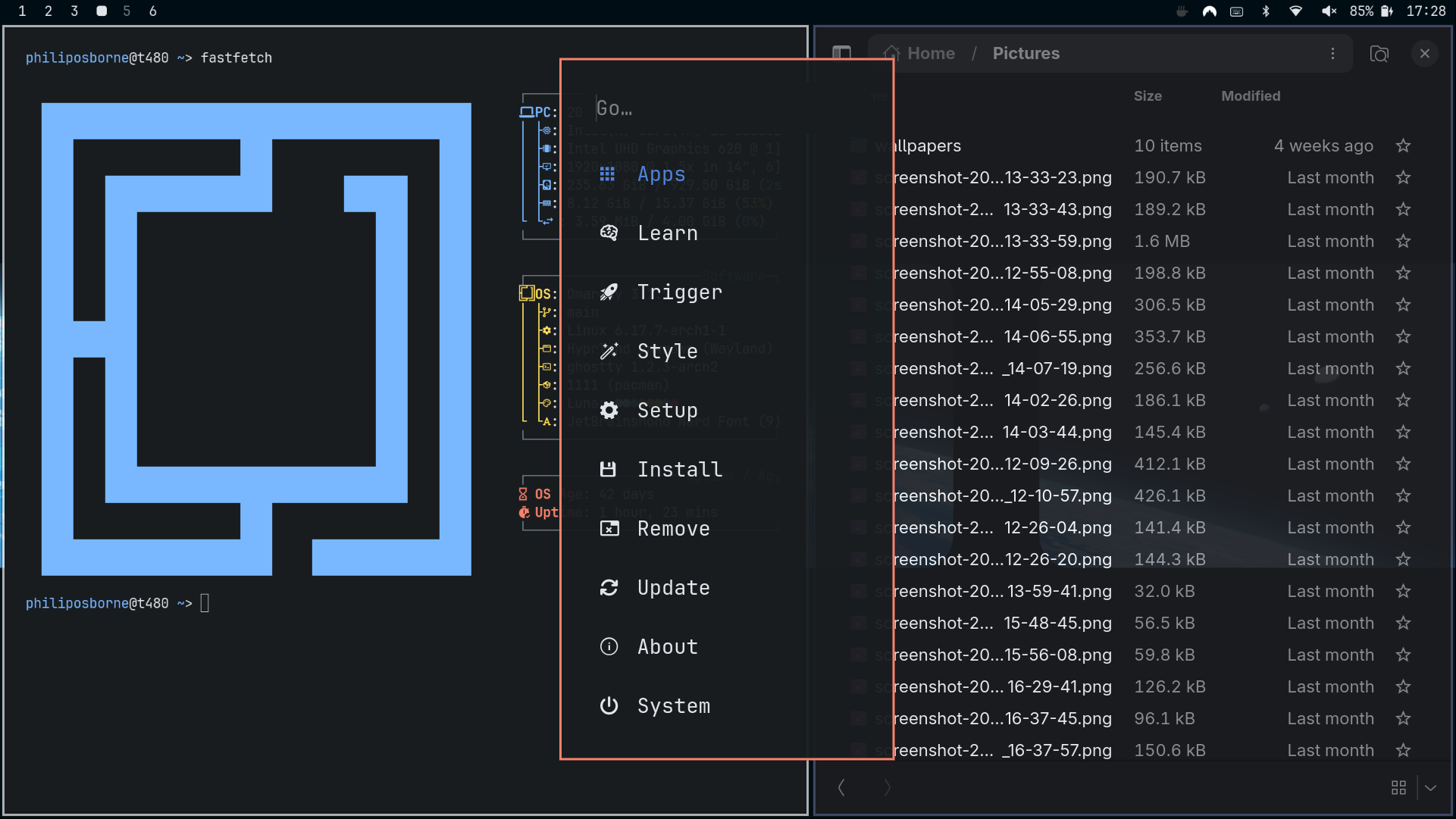
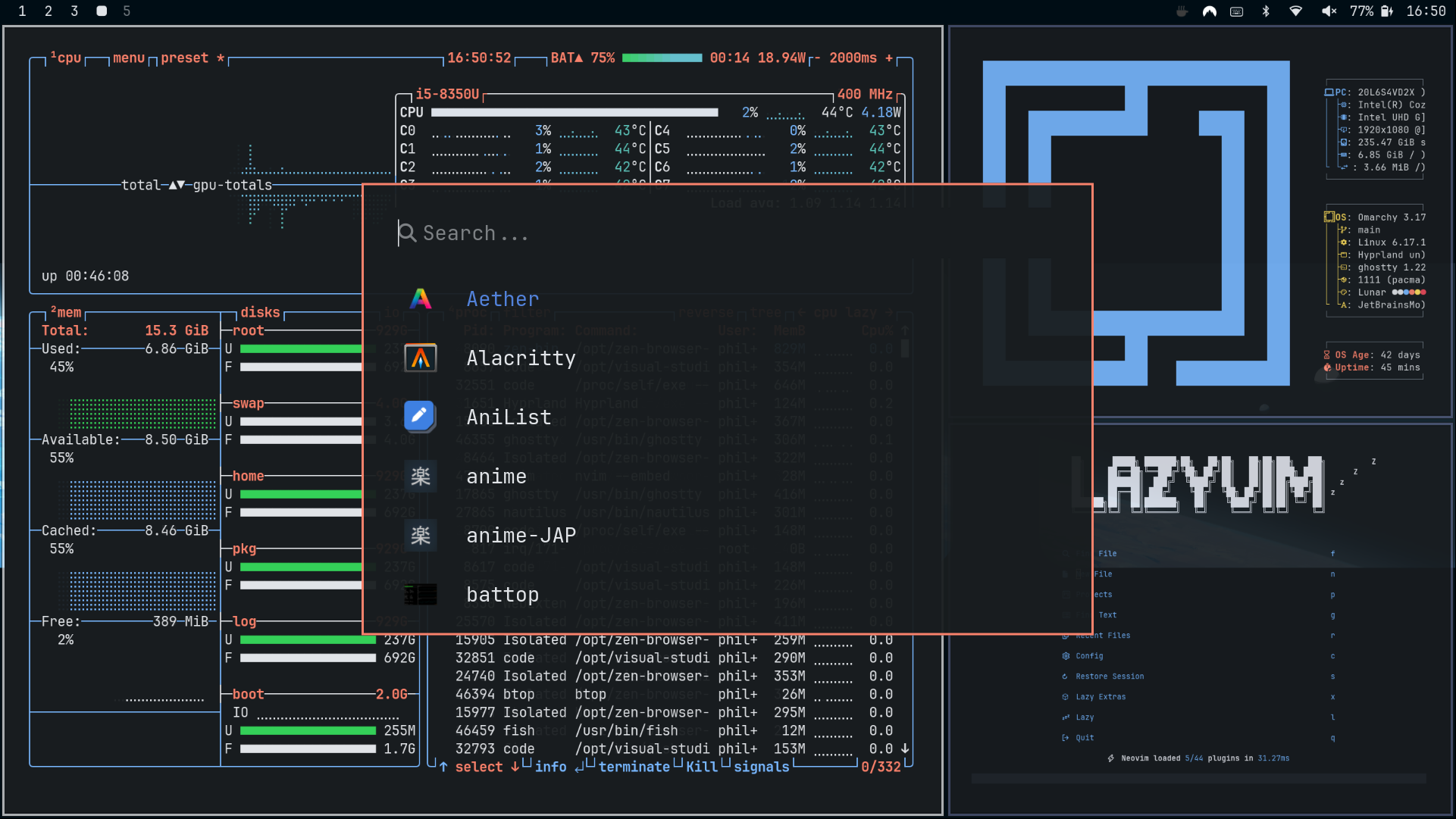
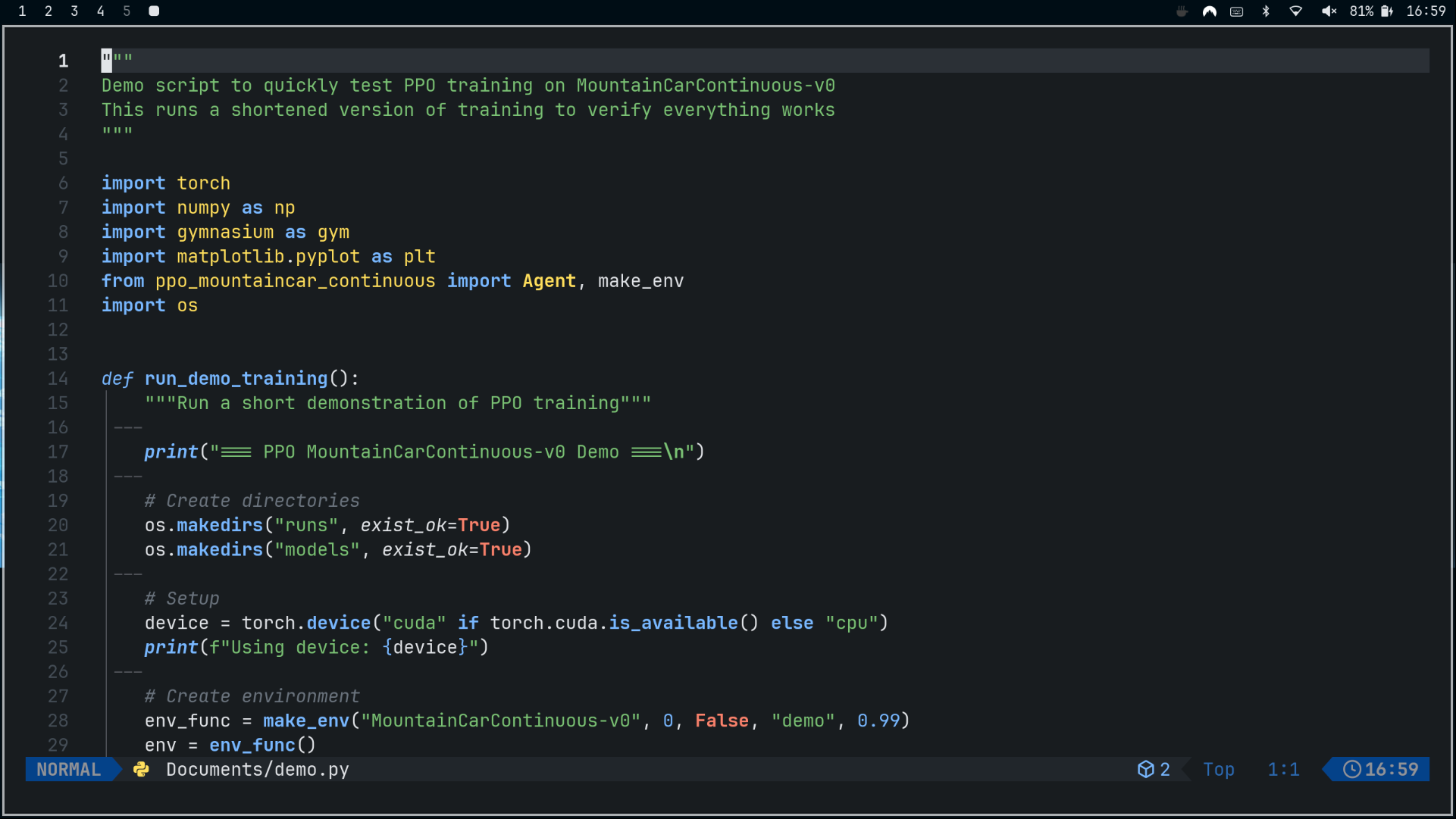
NVIM
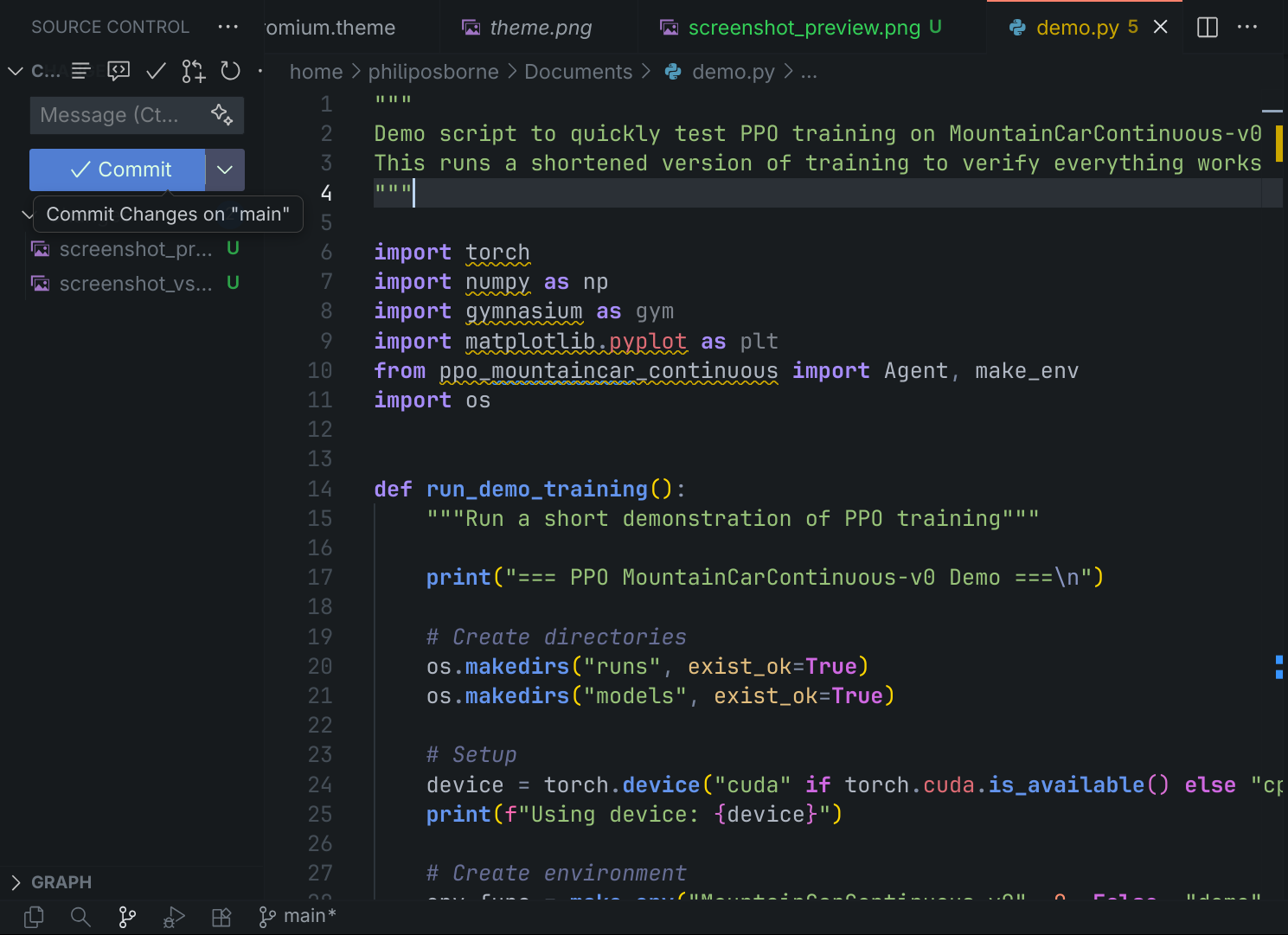
VS CODE
Installation
Omarchy
To install this theme, simply use the
- Copy the theme repository URL
https://github.com/pdfosborne/omarchy-lunar-theme
2. Click SUPER + ALT + SPACE
3. Click Install
4. Click Style
5. Click Theme
6. Paste the link and hit enter to submit
or use the direct omarchy-theme-install command:
omarchy-theme-install https://github.com/pdfosborne/omarchy-lunar-themeNeovim Theme
See the lunar.nvim folder in this repository for the Neovim theme.
VS Code Theme
A modification of the Eva theme with darker background, see Eva Plus.
Backgrounds