color palette
#1C1C1C
#E0E0E0
#AEB1C0
#E3884A
#D66938
#E0E0E0
#1C1C1C
#D66938
#767476
#F7D383
#AEB1C0
#BA6435
#E99867
#E0E0E0
#767476
#E3884A
#CAD1E0
#FFE39A
#CAD1E0
#E99867
#F7D383
#FFFFFF
preview
readme
Infernium-Dark Theme
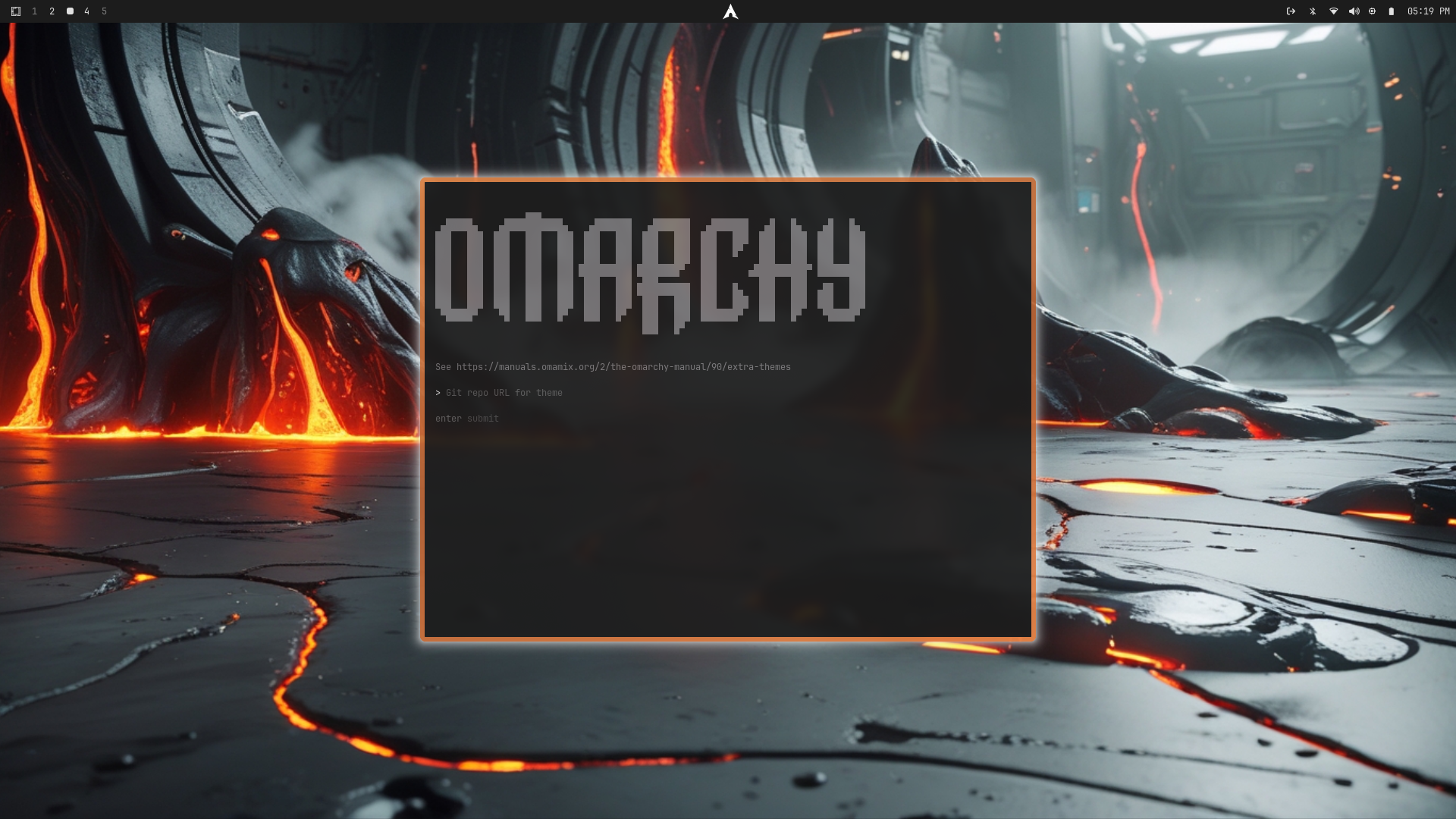
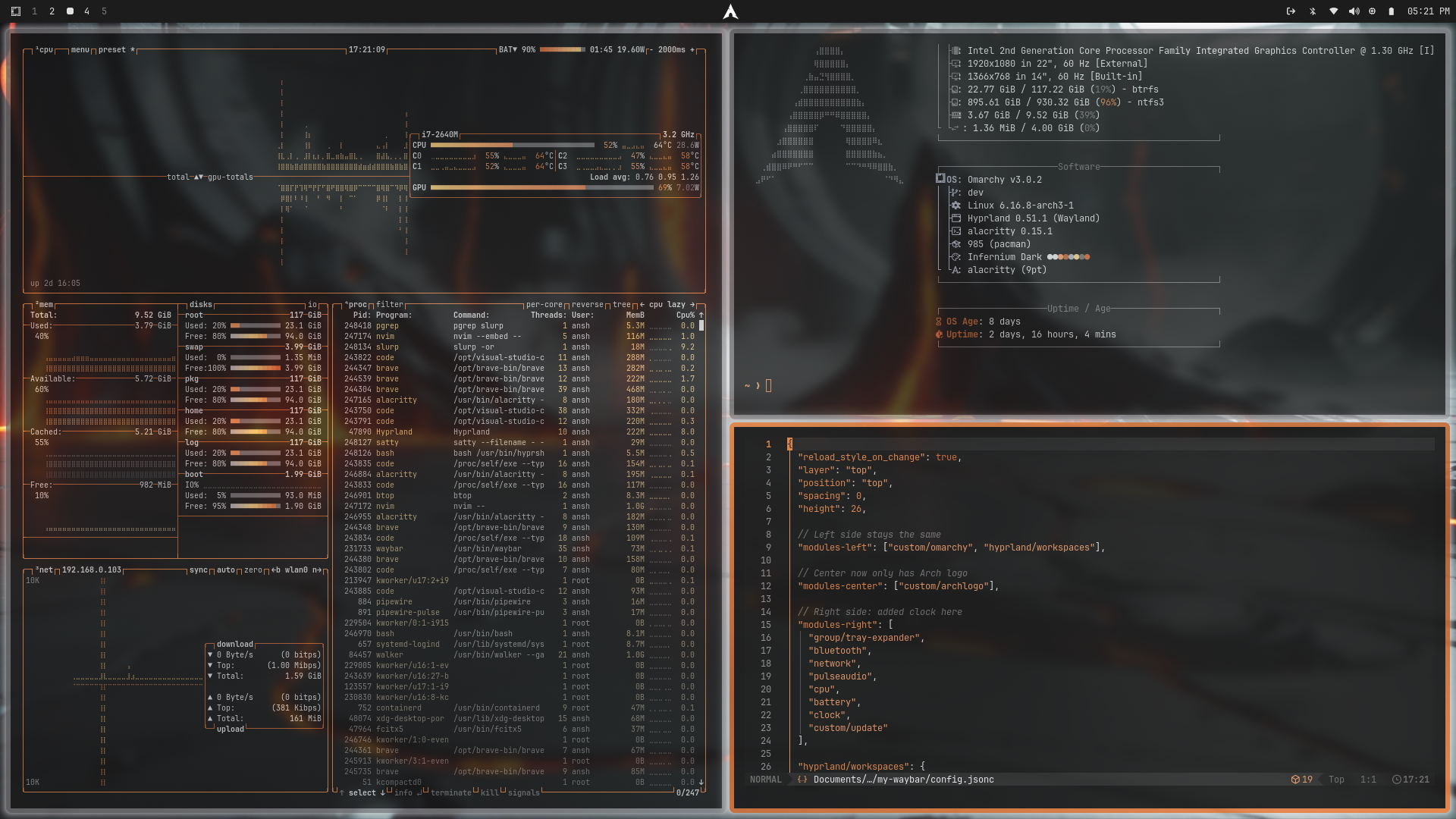
A dark, high-contrast theme inspired by molten lava, biomechanical aesthetics, and modern development workflows. Dark greys serve as a solid base while fiery oranges and deep lava tones provide energy and focus, creating a visually striking and cohesive environment for coding, system monitoring, and productivity.
Theme Concept
Dark & Focused: Minimal distractions with deep gray and black backgrounds to emphasize content.
Molten Accents: Lava-inspired oranges and burnt reds highlight important elements.
Mechanical Feel: Steel and silver neutrals give the UI a biomechanical, tech-driven aesthetic.
Clarity & Readability: Carefully chosen contrasts ensure legibility across terminals, editors, and system UI elements.
Features
Neon-Lava Borders: Fiery orange borders for active windows.
Dark Mode Clarity: Deep dark gray and black backgrounds with readable light text.
Glowing Accents: Subtle orange/yellow highlights for focus elements.
High Contrast: Optimized for readability across multiple applications.
Minimal Noise: Clean UI that emphasizes coding, monitoring, and productivity.
Installation
omarchy-theme-install https://github.com/RiO7MAKK3R/omarchy-infernium-dark-theme
Suggested Font
Roboto – Modern, clean, and readable across terminal, GUI, and system notifications.
sudo pacman -S ttf-roboto
Wallpaper Suggestions
Look for images that complement the dark molten theme:
Molten lava flows with dark rock backgrounds
Biomechanical-inspired sci-fi textures
Dark minimal industrial landscapes with fiery highlights
Abstract glowing orange circuits
Notes
Optimized for dark environments and developer workflows.
Some applications may require manual adjustments to fully match the theme.
Border size and glow strength can be tweaked in Hyprland for maximum effect.
The theme is designed to maintain readability while delivering a visually striking “Infernium” feel.
Preview