color palette
background
#282a36
foreground
#f8f8f2
accent
#bd93f9
cursor
#f8f8f2
selection background
#44475a
selection foreground
#d6acff
color0
#21222c
color1
#ff5555
color2
#50fa7b
color3
#f1fa8c
color4
#bd93f9
color5
#ff79c6
color6
#8be9fd
color7
#f8f8f2
color8
#6272a4
color9
#ff6e6e
color10
#69ff94
color11
#ffffa5
color12
#d6acff
color13
#ff92df
color14
#a4ffff
color15
#ffffff
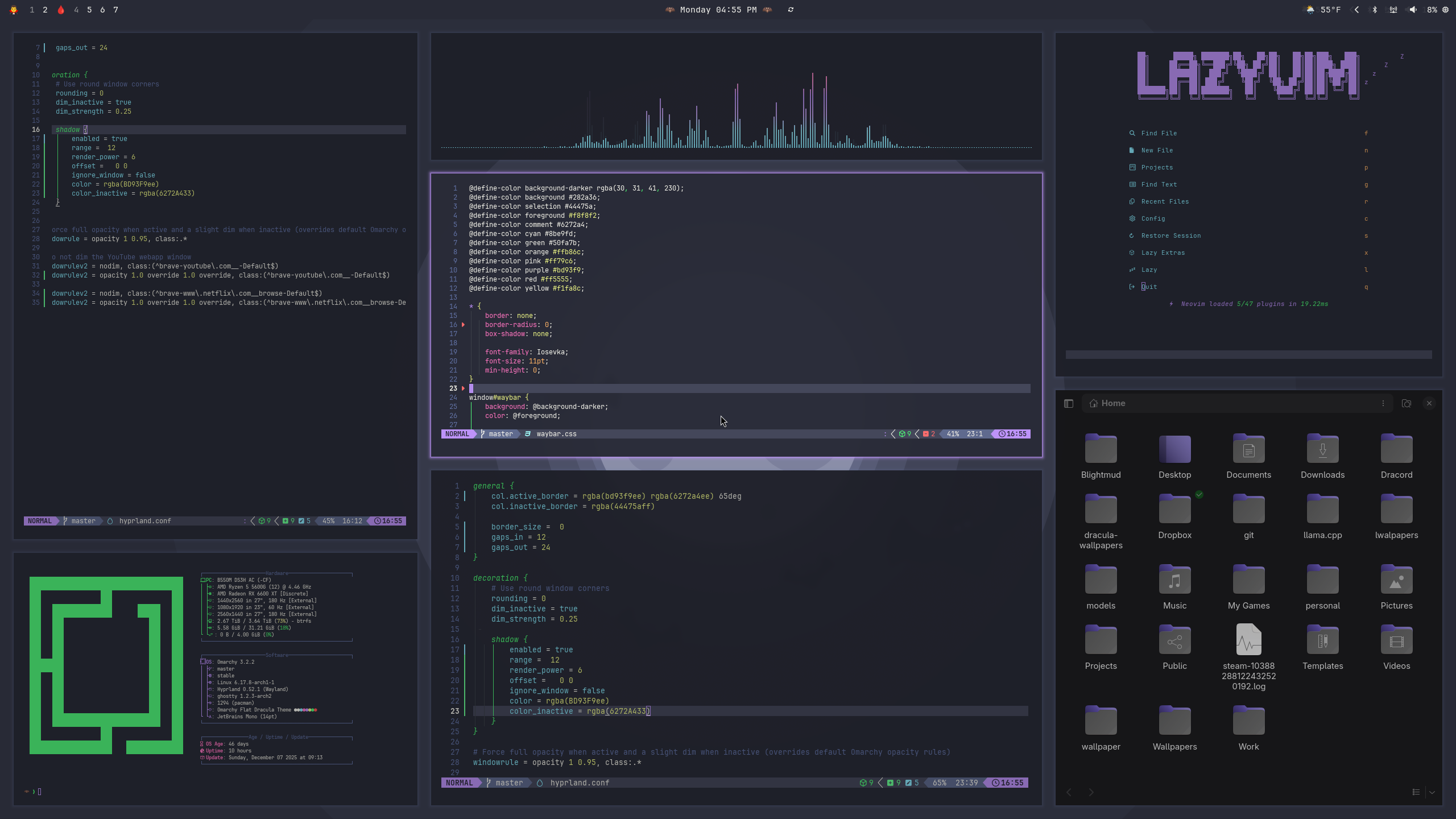
preview
~/flat-dracula
┌──────────────────────Hardware──────────────────────┐
PC: omarchy-host
│ ├: x86_64 (8 cores) @ 4.00 GHz
│ ├: Integrated Graphics
│ ├: 1920x1080 @ 60 Hz
│ ├: 120 / 500 GiB (24%)
│ ├: 8 / 16 GiB (50%)
└ └ : 0 / 4 GiB (0%)
└────────────────────────────────────────────────────┘
┌──────────────────────Software──────────────────────┐
OS: Omarchy 3.6.0
│ ├: master
│ ├: stable
│ ├: linux-arch
│ ├: Hyprland (Wayland)
│ ├: ghostty
│ ├: 1024 (pacman)
│ ├: Flat Dracula ●●●●●●●●
└ └: JetBrainsMono Nerd Font (9pt)
└────────────────────────────────────────────────────┘
┌─────────────────Age / Uptime / Update───────────────┐
OS Age: 0 days
Uptime: 2 hours, 13 mins
Update: Today
└────────────────────────────────────────────────────┘
user@omarchy:~ $
readme
Omarchy Flat Dracula Theme
Flat take on the Dracula palette for a Hyprland-based Wayland setup and common CLI tools.
This exists because I wanted an authentic Dracula experience on Omarchy: other attempts felt off-spec or busy, so I built a version that stays true to the palette while keeping distractions low. The goal is to make it easy to lock in for long sessions—high contrast where it matters, soft edges where it does not, and readability that stays gentle on the eyes.
What’s included
- Neovim Official Dracula plugin
- Vesktop/Vencord Official Dracula theme (modified to Omarchy sharp corners)
- Alacritty/Ghostty/Kitty Official Dracula themes
- Icon theme pointer for Yaru-purple (
icons.theme)
Quick start
Run the installer and it will place everything where it belongs:
omarchy-theme-install https://github.com/OldJobobo/omarchy-flat-dracula-themeStarship is optional—if you want this prompt, back up your existing file and replace it:
mv ~/.config/starship.toml ~/.config/starship.toml.bak
cp ~/.config/omarchy/current/theme/starship.toml ~/.config/starship.toml
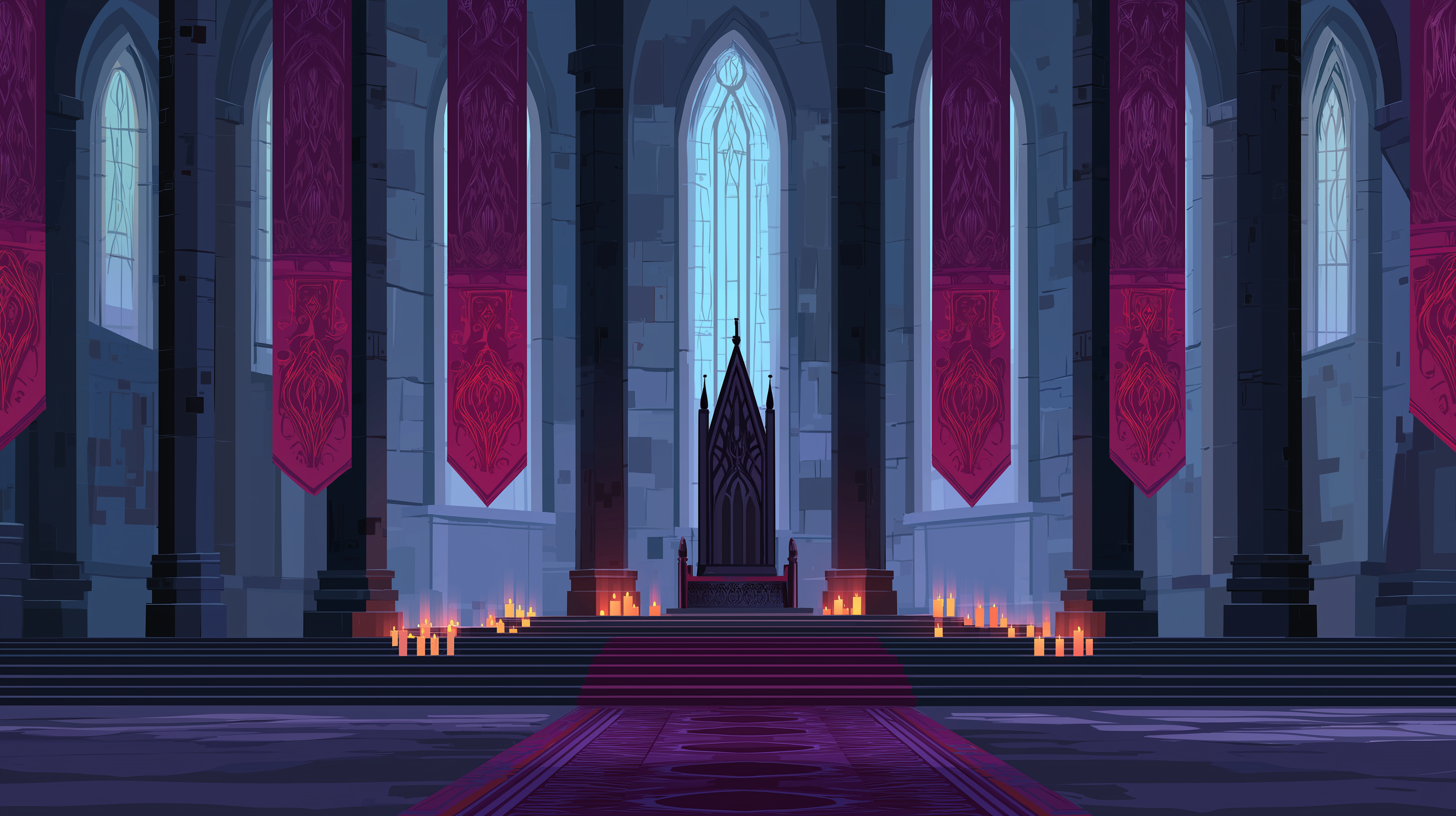
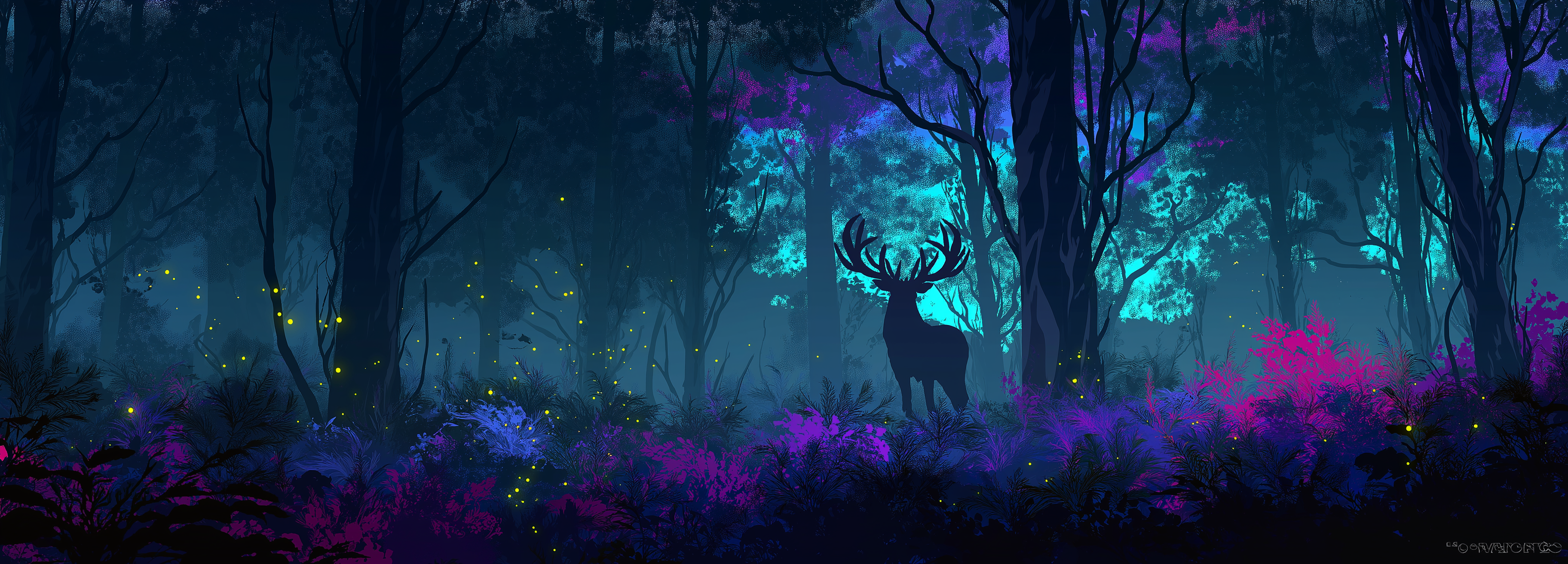
Wallpapers live in backgrounds/; preview.png shows the intended look.
Background previews
 |  |  |
 |  |  |
 |  |  |
Notes
- The palette follows https://spec.draculatheme.com across all configs for consistency.