color palette
background
#001e49
foreground
#eef1d7
accent
#1fb1a5
cursor
#eef1d7
selection background
#1fb1a5
selection foreground
#001e49
color0
#001e49
color1
#c24e13
color2
#5a9f72
color3
#d2df6f
color4
#1fb1a5
color5
#4b64fd
color6
#83f0f1
color7
#cfd597
color8
#3f74c0
color9
#fba571
color10
#88c0a0
color11
#e1e1b3
color12
#b3cbff
color13
#8a8cff
color14
#d4fcfc
color15
#eef1d7
preview
~/deckard
┌──────────────────────Hardware──────────────────────┐
PC: omarchy-host
│ ├: x86_64 (8 cores) @ 4.00 GHz
│ ├: Integrated Graphics
│ ├: 1920x1080 @ 60 Hz
│ ├: 120 / 500 GiB (24%)
│ ├: 8 / 16 GiB (50%)
└ └ : 0 / 4 GiB (0%)
└────────────────────────────────────────────────────┘
┌──────────────────────Software──────────────────────┐
OS: Omarchy 3.6.0
│ ├: master
│ ├: stable
│ ├: linux-arch
│ ├: Hyprland (Wayland)
│ ├: ghostty
│ ├: 1024 (pacman)
│ ├: Deckard ●●●●●●●●
└ └: JetBrainsMono Nerd Font (9pt)
└────────────────────────────────────────────────────┘
┌─────────────────Age / Uptime / Update───────────────┐
OS Age: 0 days
Uptime: 2 hours, 13 mins
Update: Today
└────────────────────────────────────────────────────┘
user@omarchy:~ $
readme
Omarchy Deckard Theme
Blade Runner-inspired blue/teal Retro-Futuristic theme.
I started this theme because I wanted to try making a Blade Runner inspired setup, then kept pushing Omarchy theming—seeing how different I could make things look while leaning into retro-futurism and still keeping the UI sharp and usable for long sessions.
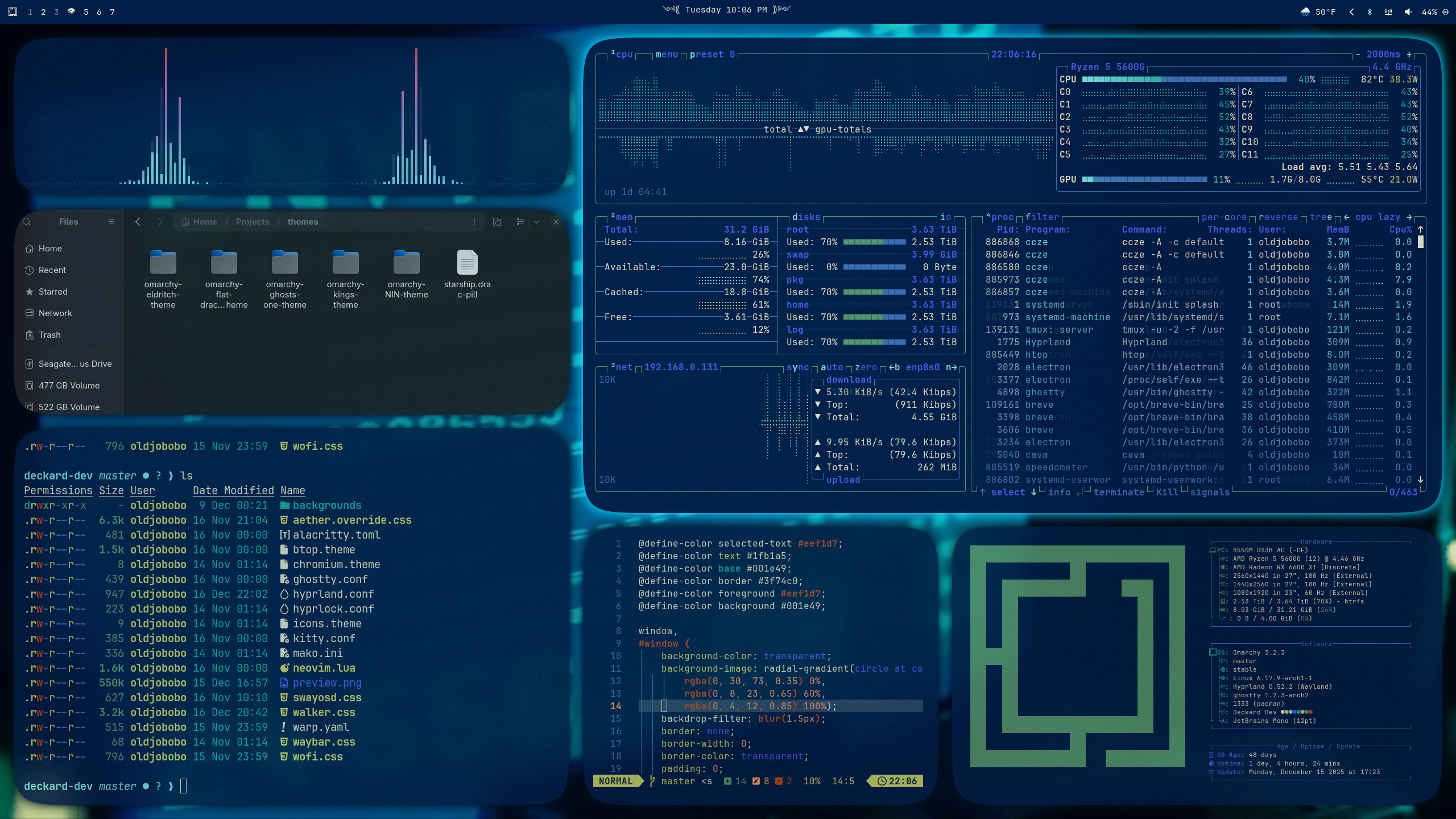
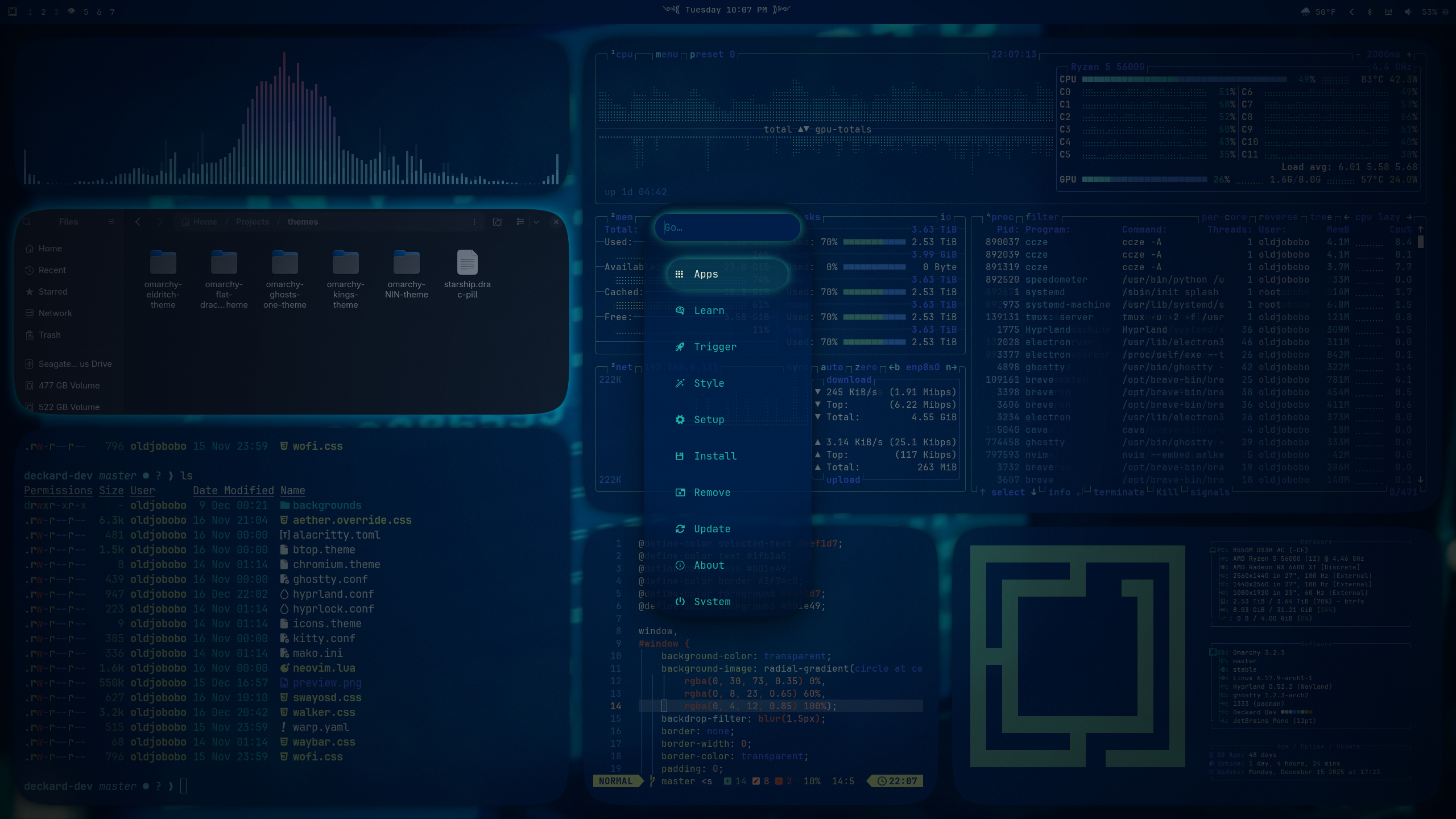
What’s included
- Hyprland: soft shadows, rounded corners, gap tuning (
hyprland.conf) - Hyprlock colors for ring/text (
hyprlock.conf) - Waybar/menus: Waybar, Wofi, Walker, SwayOSD, Mako styles aligned to the palette (
waybar.css,wofi.css,walker.css,swayosd.css,mako.ini) - Terminals: Alacritty (
alacritty.toml), Kitty (kitty.conf), Ghostty (ghostty.conf), Warp (warp.yaml) - Apps/tools: Aether/GTK overrides (
aether.override.css), Chromium theme tint (chromium.theme), btop theme (btop.theme) - Neovim: Aether colorscheme snippet for LazyVim (
neovim.lua) - Icons: pointer to Yaru-blue (
icons.theme) - Wallpapers:
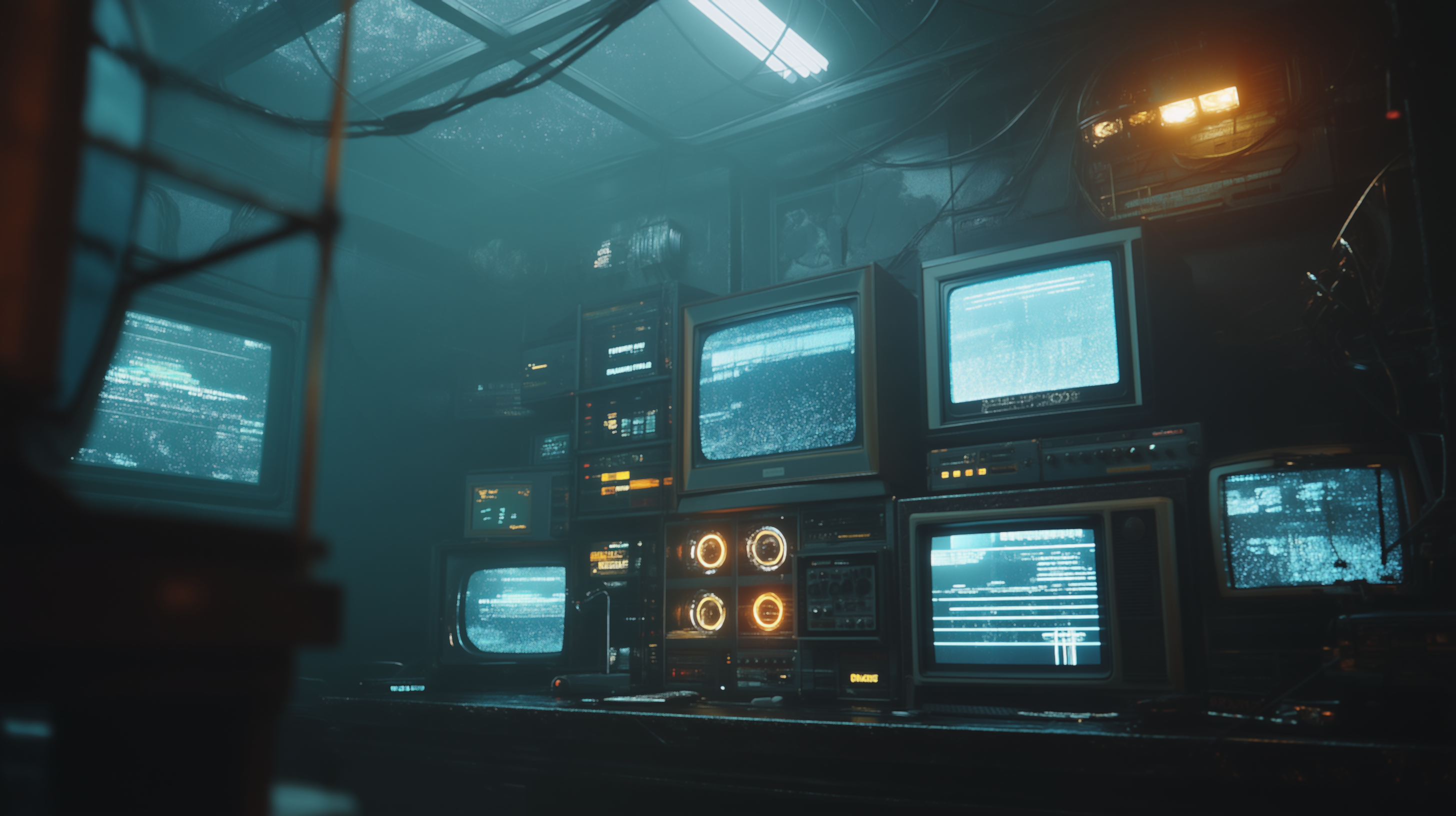
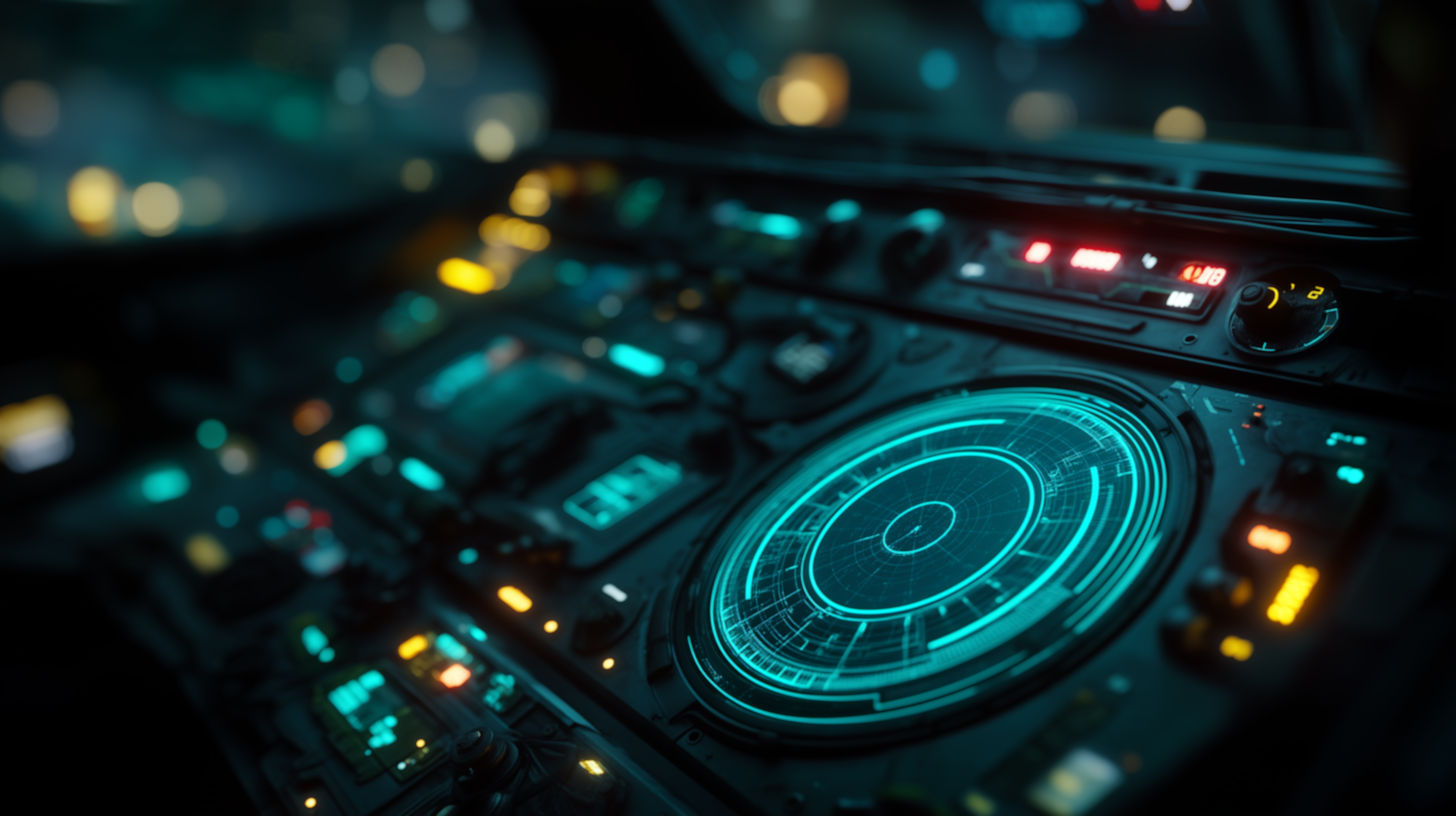
backgrounds/0-crt-backroom.png,1-cyan-console.png,2-tyrell-hall.png
Quick start
Run the Omarchy installer to place everything where it belongs:
omarchy-theme-install https://github.com/OldJobobo/omarchy-deckard-themeWallpapers live in backgrounds/; preview.png and preview2.png show the intended look.
Background previews
 |  | 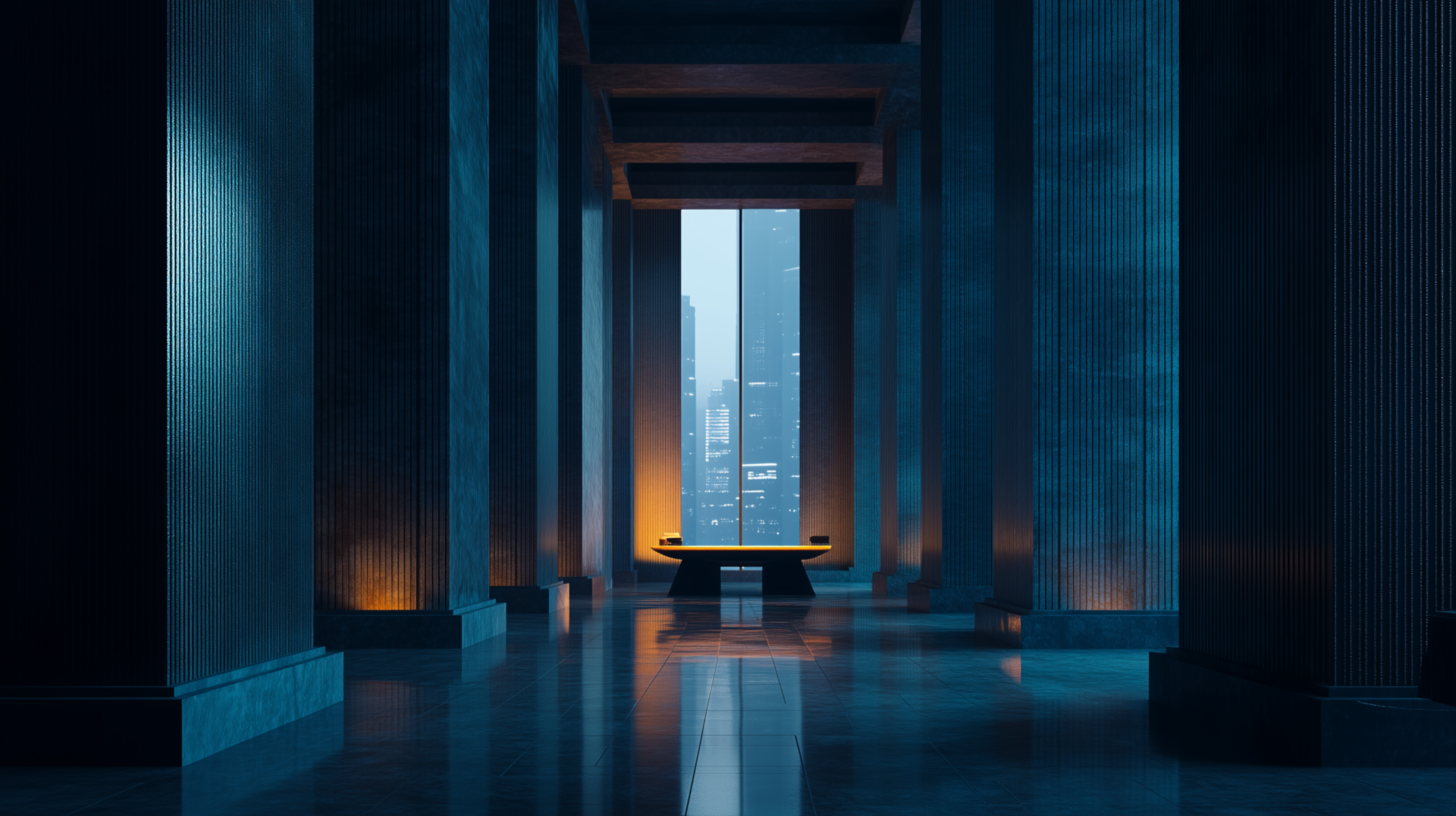 |
Notes
- Hyprland uses deep shadows and moderate gaps; adjust
gaps_out/gaps_ininhyprland.confif you prefer tighter layouts. - Palette anchors: background
#001e49, foreground#7b8dd7, teal accent#4bbdfd, violet accent#8a8cff, highlight cyan#e655a5. All configs reuse these for consistency.