color palette
background
#2B2B2B
foreground
#A9B7C6
accent
#6897BB
cursor
#FFD760
selection background
#3F4B6E
selection foreground
#FFFFFF
color0
#1E1E1E
color1
#FF6B68
color2
#629755
color3
#CC7832
color4
#6897BB
color5
#9876AA
color6
#39B2AC
color7
#A9B7C6
color8
#5C5C5C
color9
#FF938A
color10
#76B572
color11
#FFD760
color12
#7AA6DA
color13
#B08CBC
color14
#68D9D9
color15
#FFFFFF
preview
~/darcula
┌──────────────────────Hardware──────────────────────┐
PC: omarchy-host
│ ├: x86_64 (8 cores) @ 4.00 GHz
│ ├: Integrated Graphics
│ ├: 1920x1080 @ 60 Hz
│ ├: 120 / 500 GiB (24%)
│ ├: 8 / 16 GiB (50%)
└ └ : 0 / 4 GiB (0%)
└────────────────────────────────────────────────────┘
┌──────────────────────Software──────────────────────┐
OS: Omarchy 3.6.0
│ ├: master
│ ├: stable
│ ├: linux-arch
│ ├: Hyprland (Wayland)
│ ├: ghostty
│ ├: 1024 (pacman)
│ ├: Darcula ●●●●●●●●
└ └: JetBrainsMono Nerd Font (9pt)
└────────────────────────────────────────────────────┘
┌─────────────────Age / Uptime / Update───────────────┐
OS Age: 0 days
Uptime: 2 hours, 13 mins
Update: Today
└────────────────────────────────────────────────────┘
user@omarchy:~ $
readme
Omarchy Darcula Theme
A JetBrains Darcula-inspired theme pack for Omarchy.org that keeps terminals, bars, notifications, and editors in sync with the classic charcoal base, warm orange keywords, and powder-blue selections.
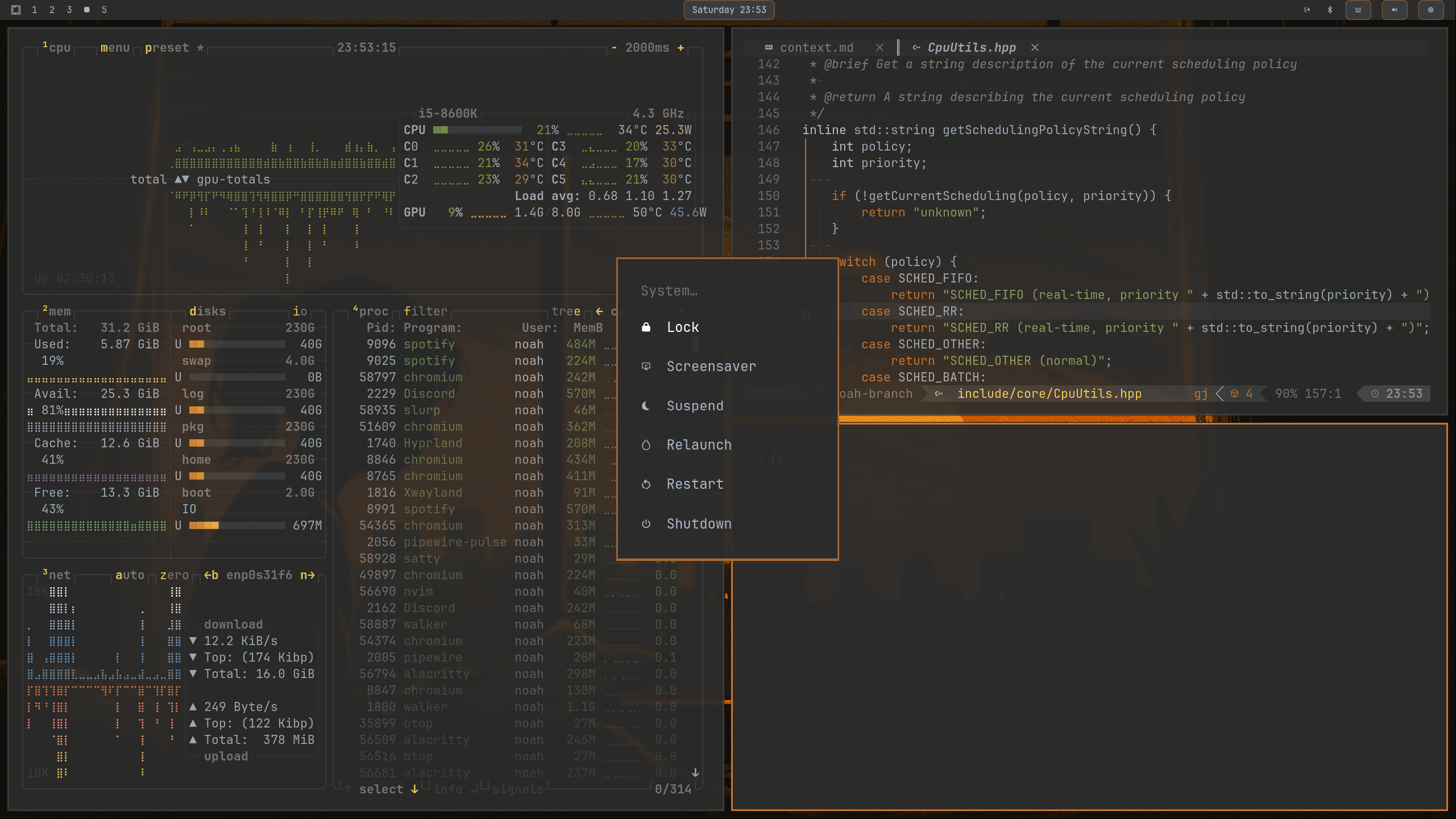
Palette
| Role | Hex |
|---|---|
| Background | #2B2B2B |
| Surface | #3C3F41 |
| Foreground | #A9B7C6 |
| Muted Text | #808080 |
| Accent Orange | #CC7832 |
| Accent Yellow | #FFD760 |
| Accent Blue | #6897BB |
| Accent Green | #6A8759 |
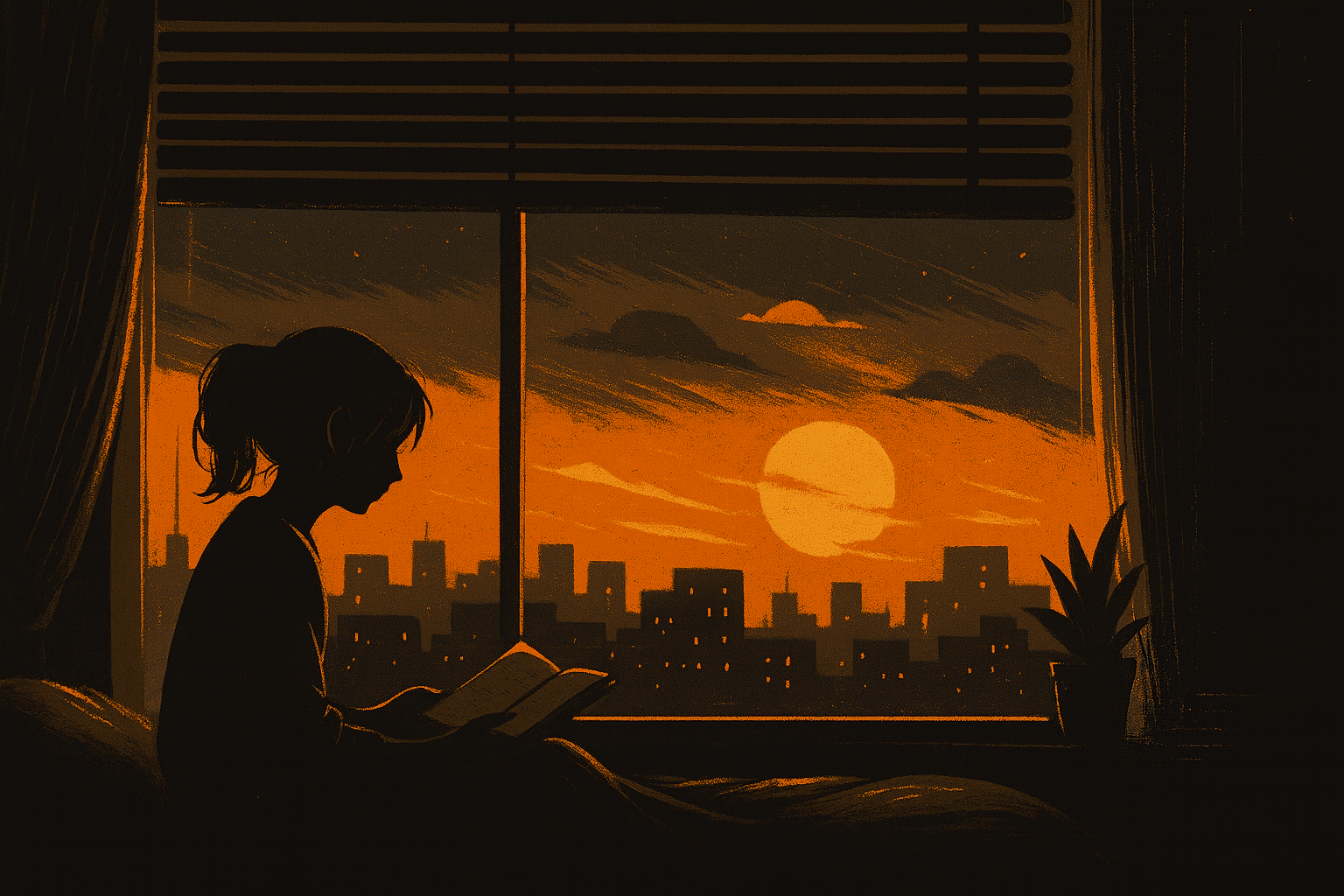
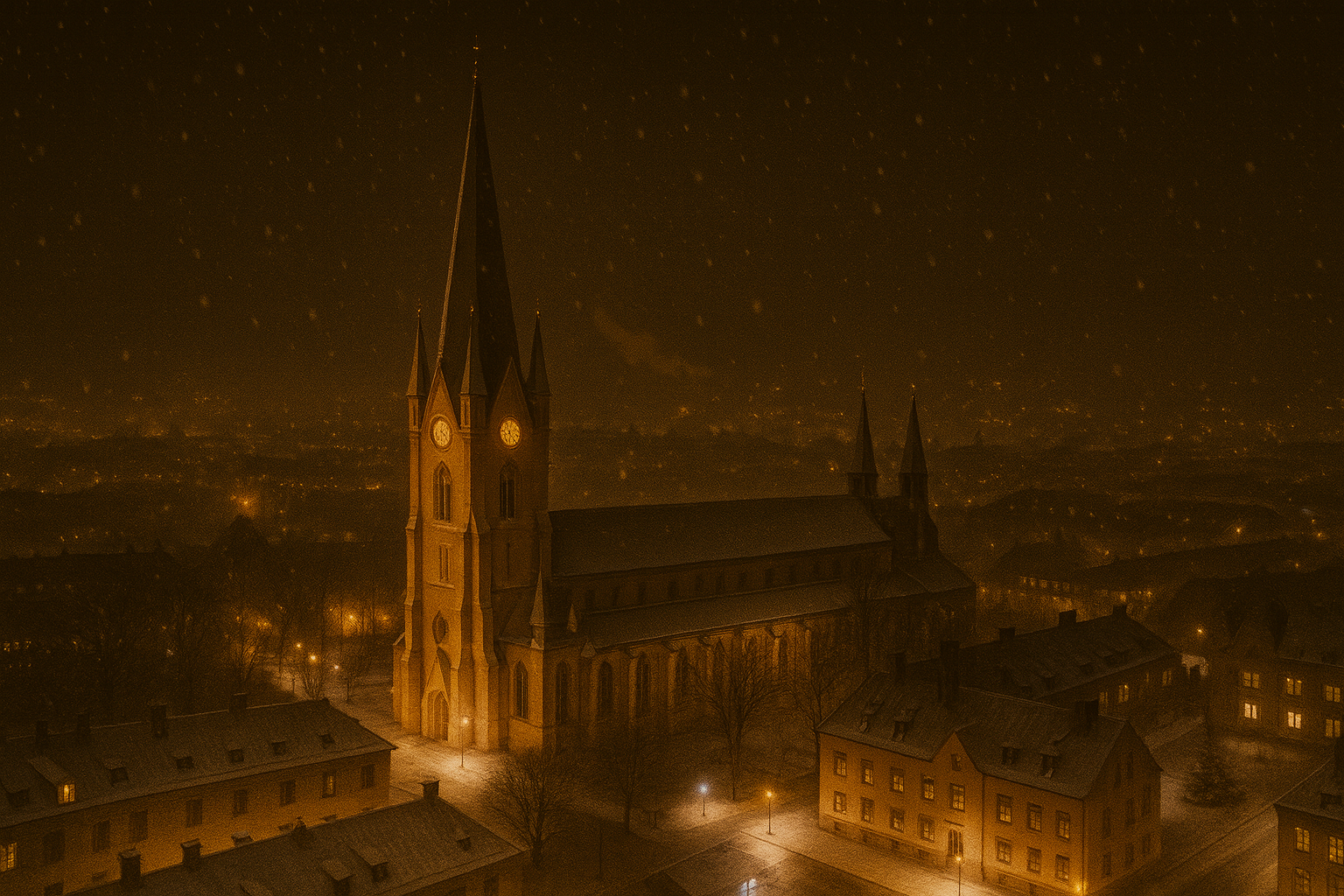
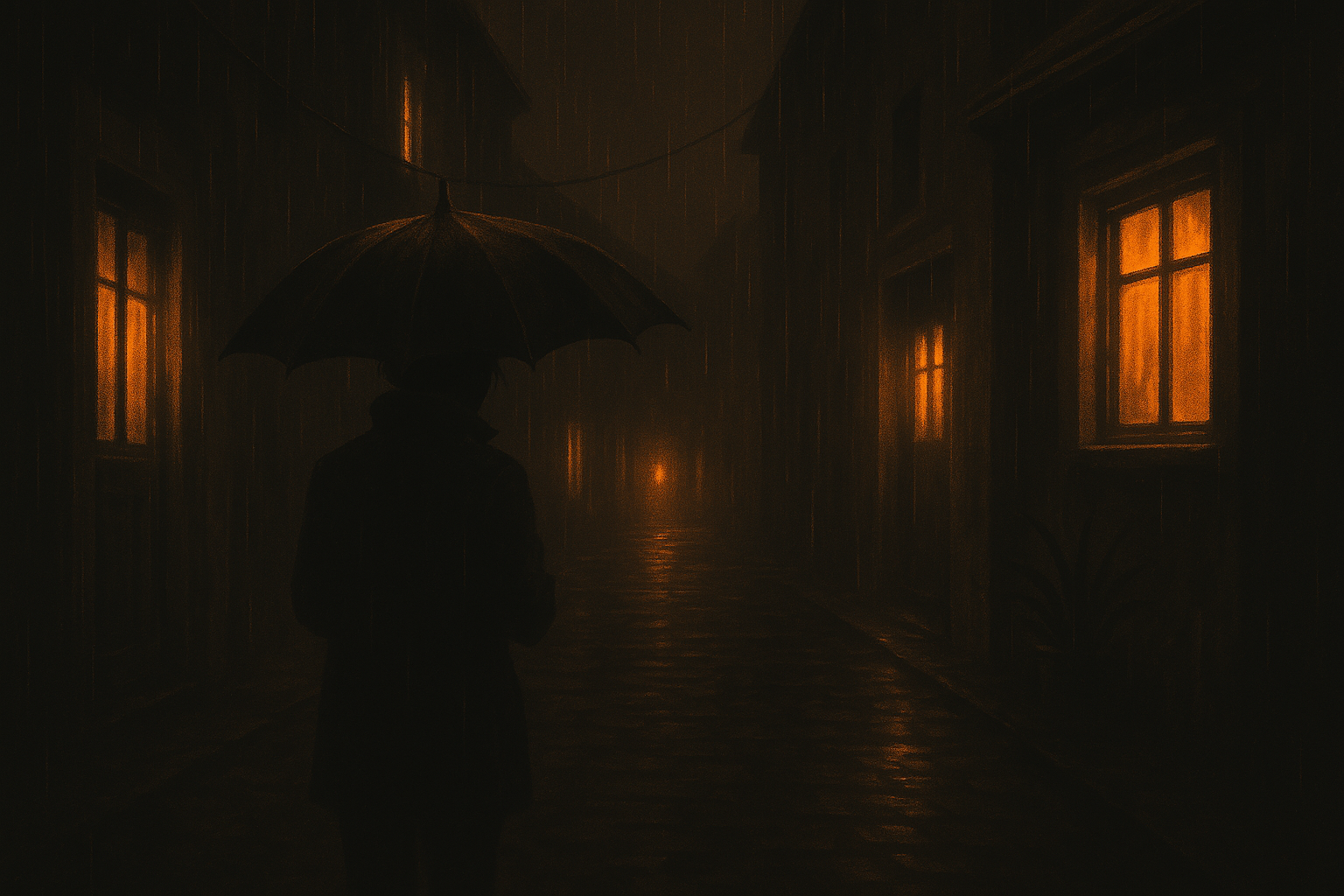
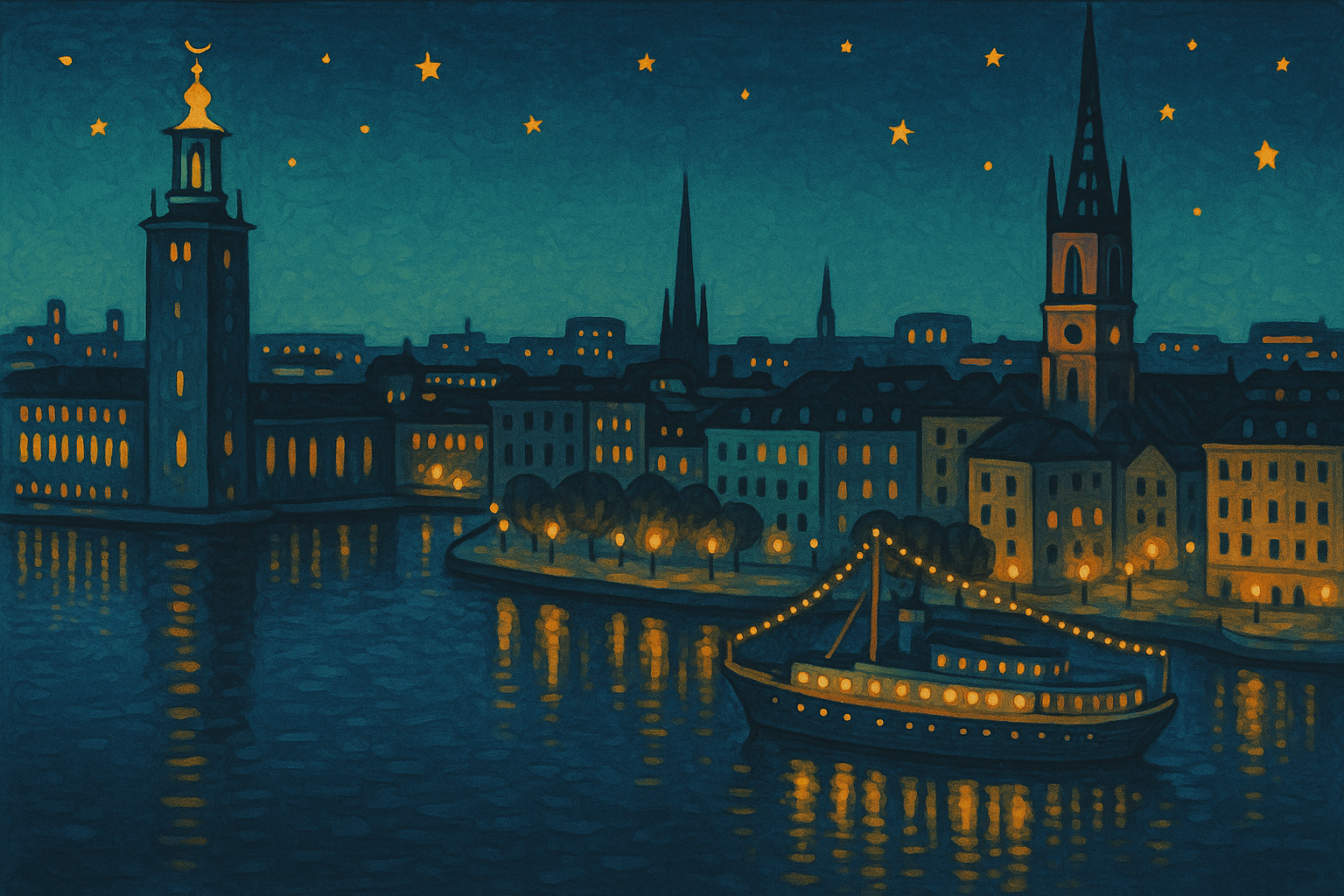
Background Set
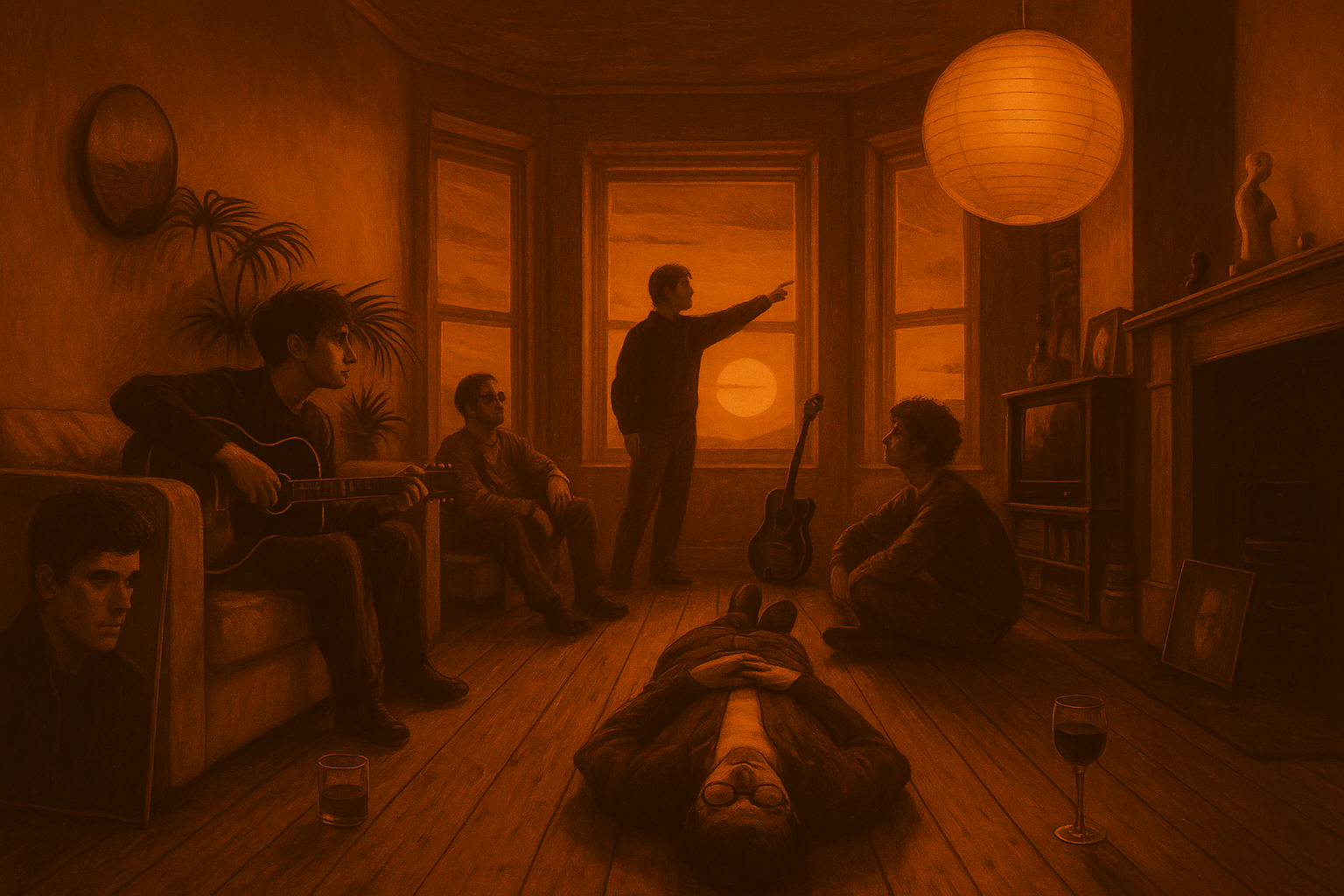
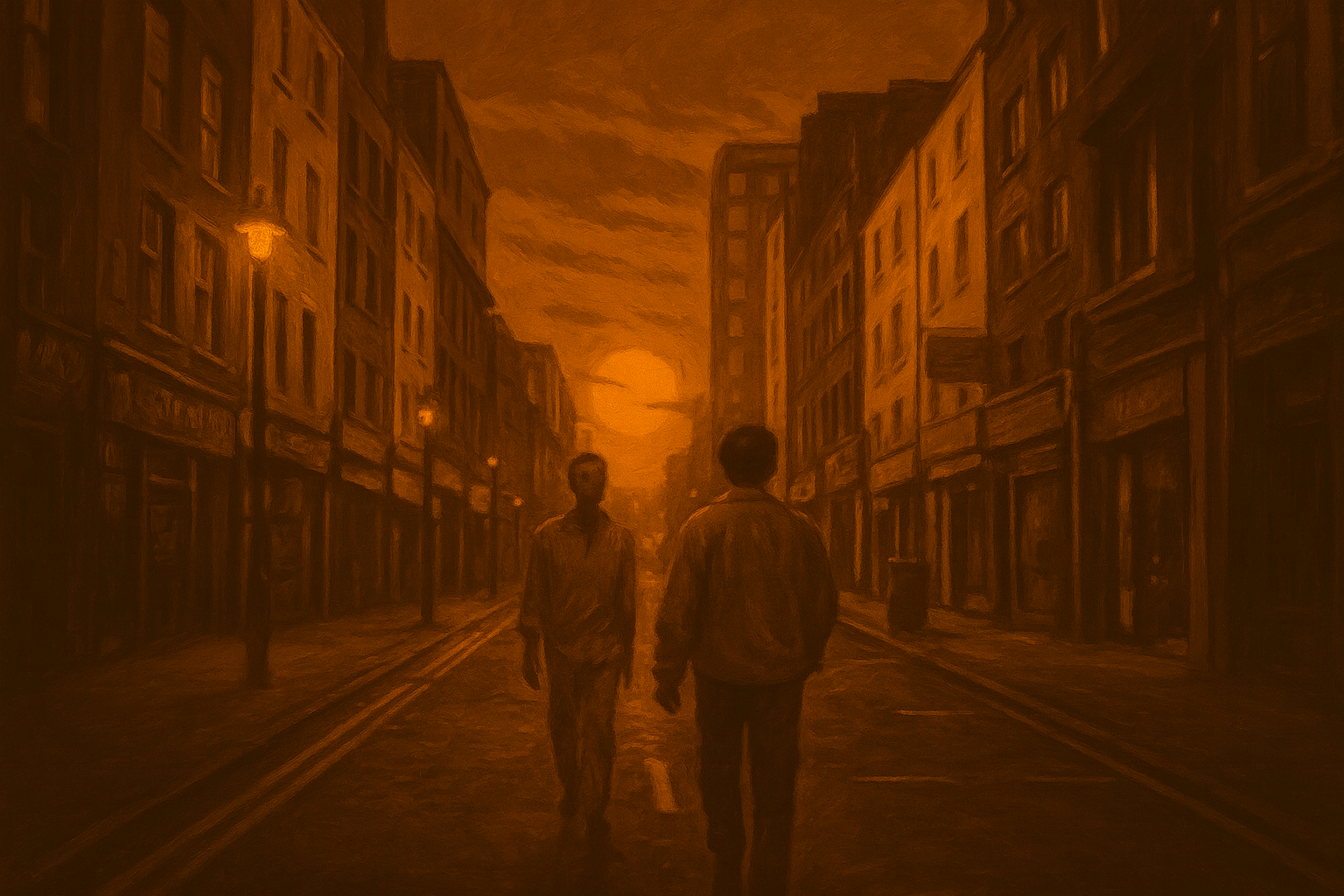
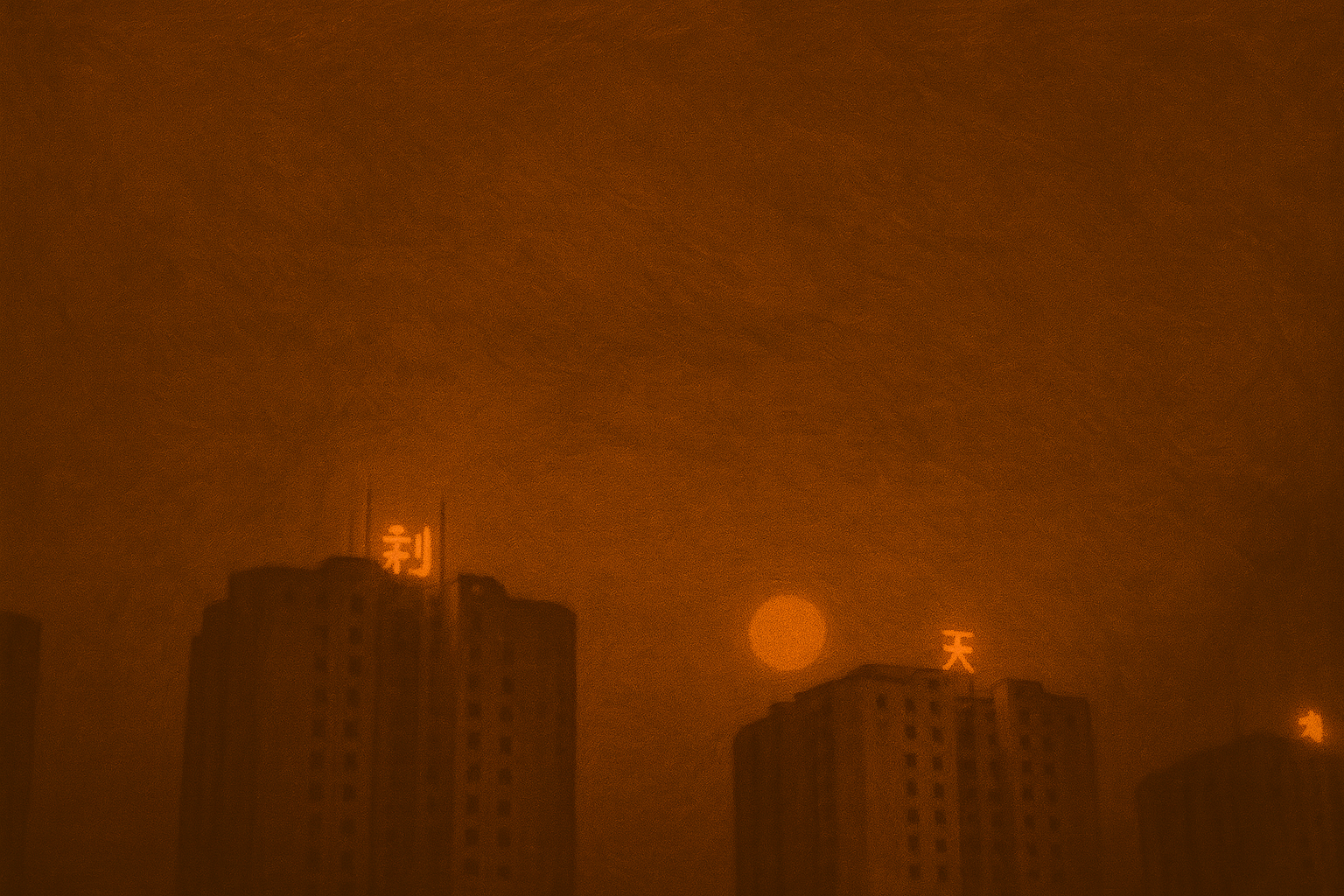
Usage
- Copy this theme directory into
~/.config/omarchy/themes/you can just git clone - Set it as your active theme via the omarchy menu i guess you know how