color palette
#1A1D23
#9B9FA9
#5EB7FF
#9B9FA9
#26343F
#9B9FA9
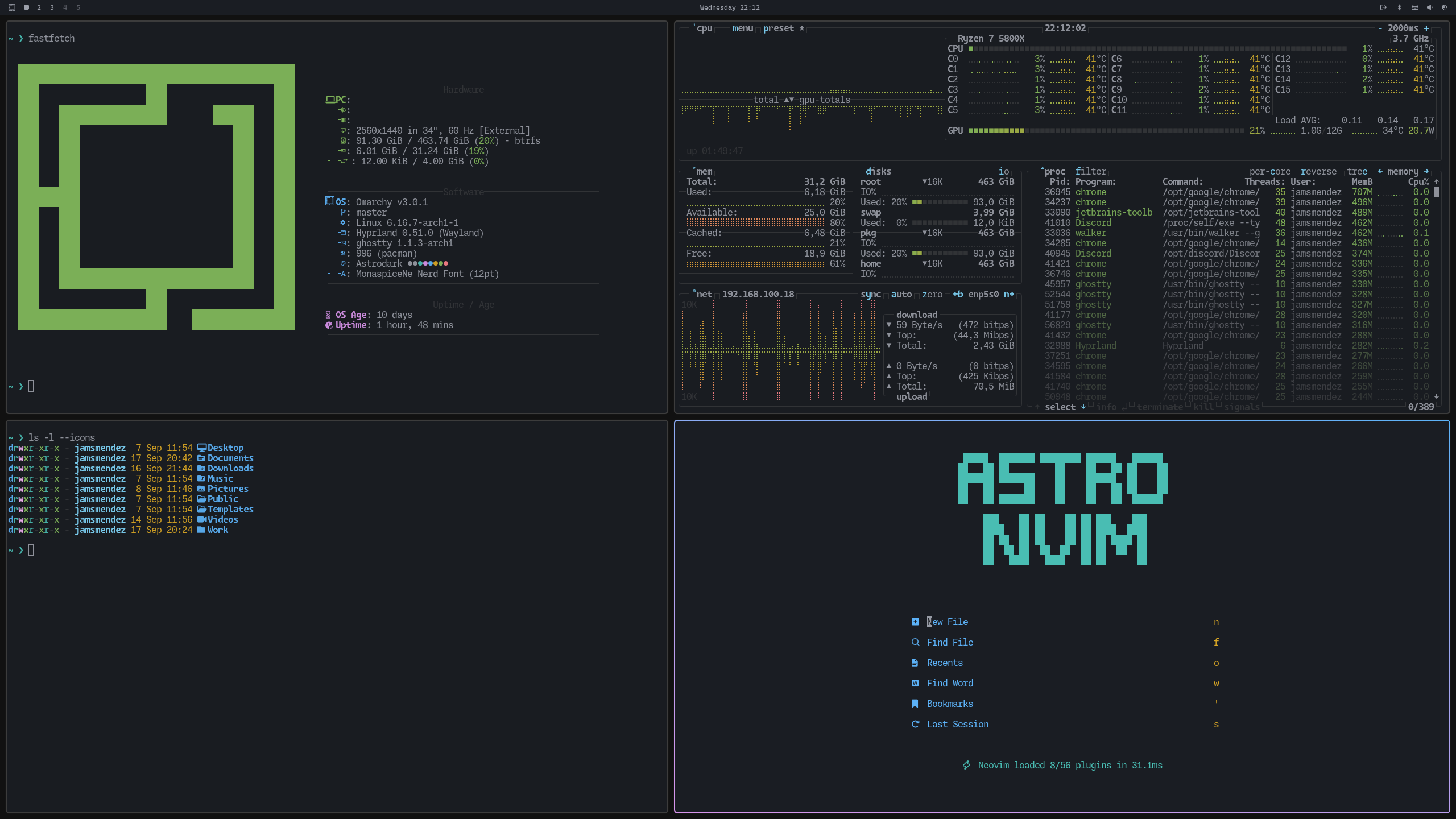
preview
readme
Astrodark Theme
Astrodark theme for Omarchy based on Astronvim themes
Requirements
Omarchy 4 or later. For Omarchy 3.x, use the v3.8.5-legacy tag:
git checkout v3.8.5-legacyInstall
omarchy theme install https://github.com/JamsMendez/omarchy-astrodark-themeNotes
Omarchy 4 generates btop.theme, alacritty.toml, ghostty.conf, hyprland.lua,
keyboard.rgb, chromium.theme, and the shell surface colors from colors.toml
using the templates in /usr/share/omarchy/default/themed/. Only the source
colors and the app-specific selections live here.
Herdr
Omarchy does not theme herdr on its own — it seeds a static config that rides on the terminal's ANSI palette, so herdr's sidebar, panels and agent status colors never follow the active theme.
The omarchy/ directory adds that integration:
| File | Role |
|---|---|
omarchy/themed/herdr.toml.tpl | Maps colors.toml onto herdr's color tokens |
omarchy/hooks/theme-set.d/sync-herdr | Merges the rendered colors into the live herdr config |
Install once:
mkdir -p ~/.config/omarchy/themed ~/.config/omarchy/hooks/theme-set.d
cp omarchy/themed/herdr.toml.tpl ~/.config/omarchy/themed/
cp omarchy/hooks/theme-set.d/sync-herdr ~/.config/omarchy/hooks/theme-set.d/
chmod +x ~/.config/omarchy/hooks/theme-set.d/sync-herdr
Then switch themes (omarchy-theme-set astrodark) to apply. It works for every
Omarchy theme with a colors.toml, not just this one.
The hook rewrites only the block between its # >>> omarchy theme colors
markers, so keybindings and other herdr settings are preserved. It also comments
out the seeded [ui] accent = "blue", which would otherwise override the themed
accent. A running herdr server is retinted via herdr server reload-config; no
restart is needed.