color palette
background
#12101c
foreground
#f0c4a8
accent
#e15a48
preview
~/akane
┌──────────────────────Hardware──────────────────────┐
PC: omarchy-host
│ ├: x86_64 (8 cores) @ 4.00 GHz
│ ├: Integrated Graphics
│ ├: 1920x1080 @ 60 Hz
│ ├: 120 / 500 GiB (24%)
│ ├: 8 / 16 GiB (50%)
└ └ : 0 / 4 GiB (0%)
└────────────────────────────────────────────────────┘
┌──────────────────────Software──────────────────────┐
OS: Omarchy 3.6.0
│ ├: master
│ ├: stable
│ ├: linux-arch
│ ├: Hyprland (Wayland)
│ ├: ghostty
│ ├: 1024 (pacman)
│ ├: Akane ●●●●●●●●
└ └: JetBrainsMono Nerd Font (9pt)
└────────────────────────────────────────────────────┘
┌─────────────────Age / Uptime / Update───────────────┐
OS Age: 0 days
Uptime: 2 hours, 13 mins
Update: Today
└────────────────────────────────────────────────────┘
user@omarchy:~ $
readme
Akane Theme
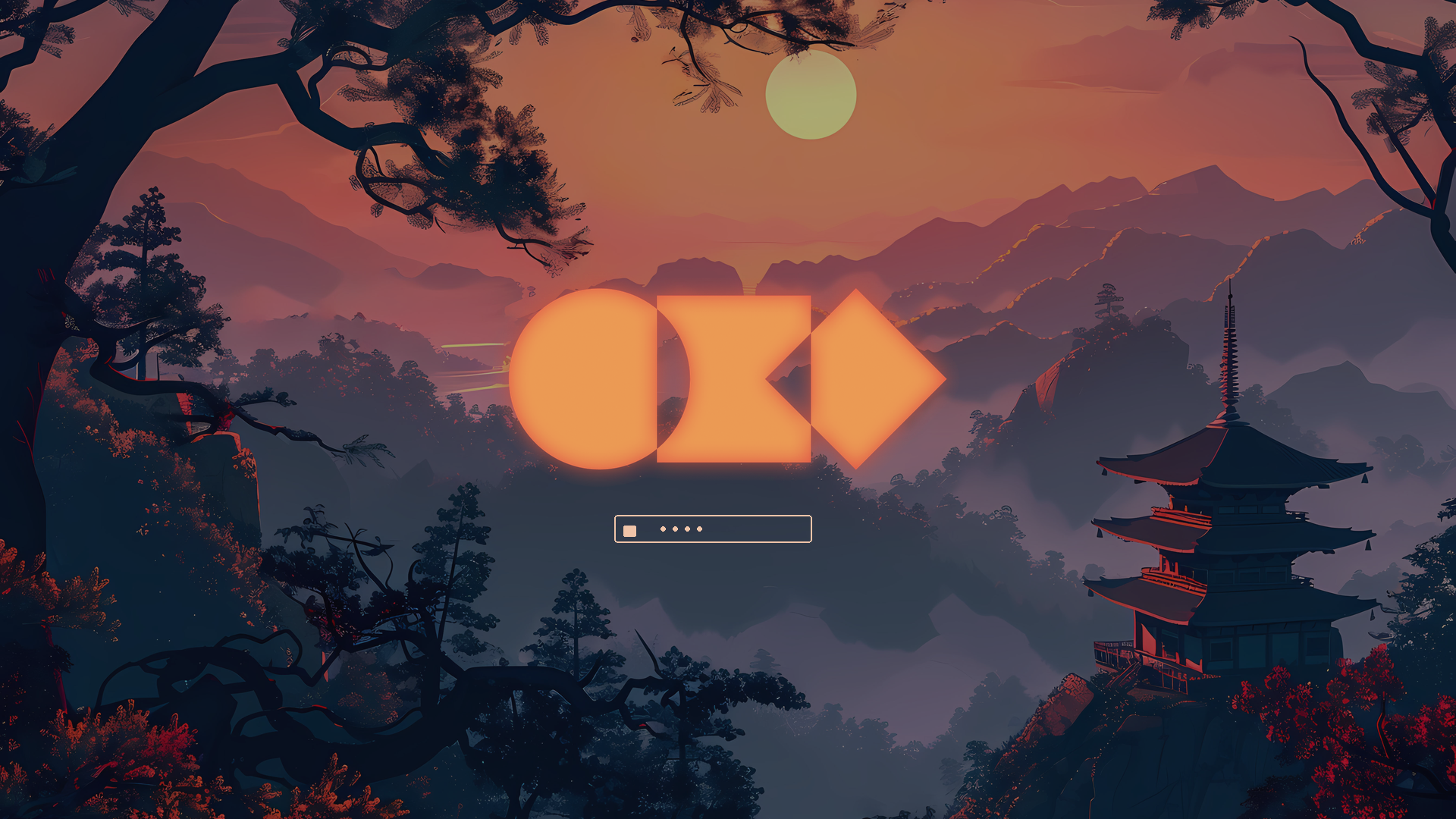
Akane (茜) — madder red. A dusk-navy desktop with vermillion torii, maple, and sunset gold, sampled from the bundled wallpapers.
Works on Omarchy Quattro (colors.toml) and on pre-Quattro
installs that still read per-app files (Waybar, Walker, Mako, Hyprlock,
hyprland.conf).
Palette
| Role | Hex | From the art |
|---|---|---|
| Background | #12101c | Pagoda / pine silhouettes |
| Foreground | #f0c4a8 | Warm parchment, water light |
| Accent | #e15a48 | Torii and maple vermillion |
| Gold | #f0b45a | Sun disk |
| Moss | #7e9a6a | Pine |
| Lake | #4a9bb0 | Water and morning mist |
| Haze | #5b7fa8 | Distant mountains |
The shared palette is colors.toml. Quattro generates terminals,
Hyprland Lua, Neovim, VS Code, Helix, btop, and Chromium from it.
The same colors are also written into the older theme files so
pre-Quattro desktops stay in sync.
Install
omarchy theme install https://github.com/Grenish/omarchy-akane-theme
omarchy theme set akane
Or copy this directory to ~/.config/omarchy/themes/akane and run
omarchy theme set akane.
Cycle wallpapers with omarchy theme bg next.
Preview
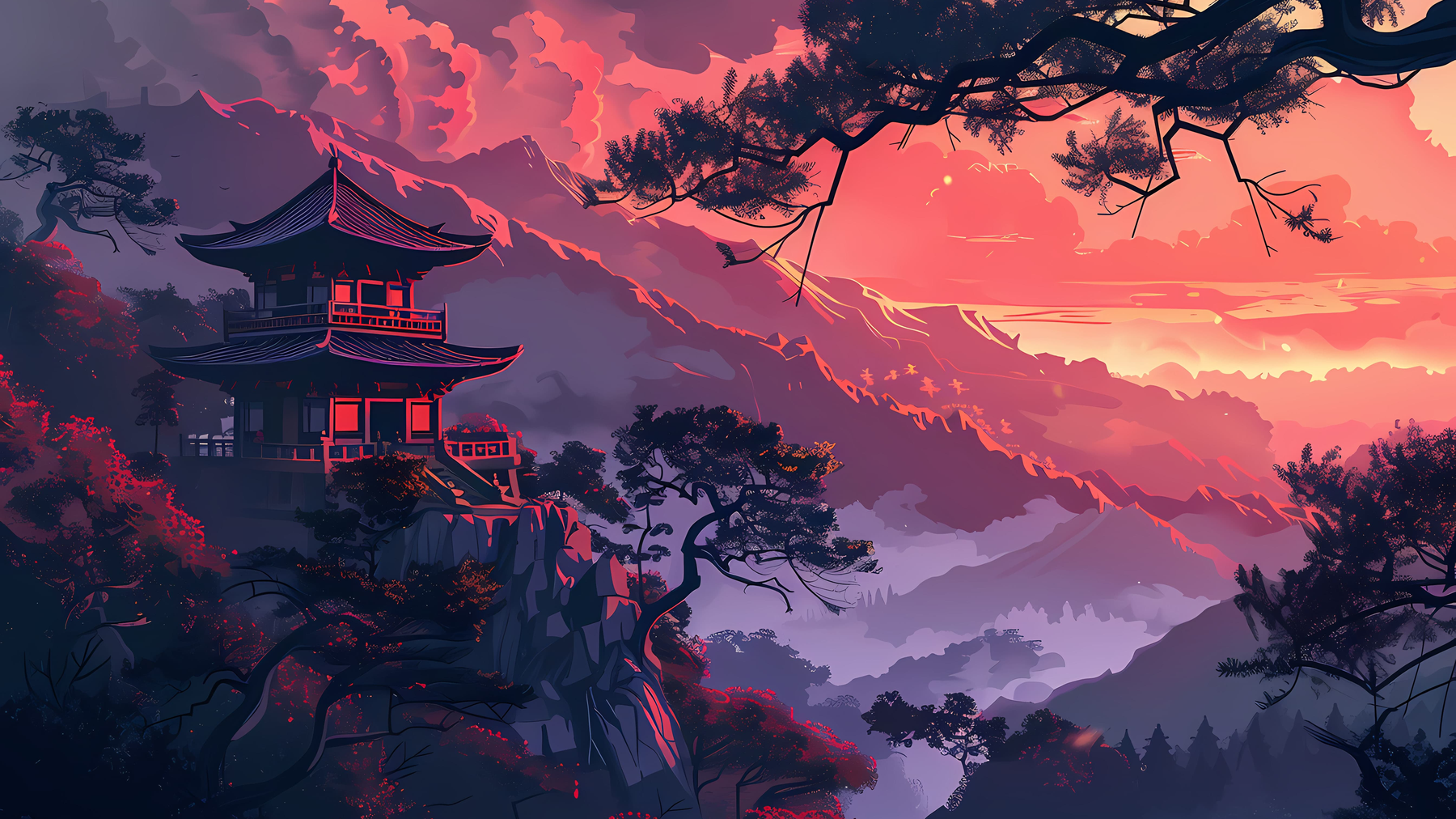
Lock screen: